
Few People Use All Their Smartphone’s Feature
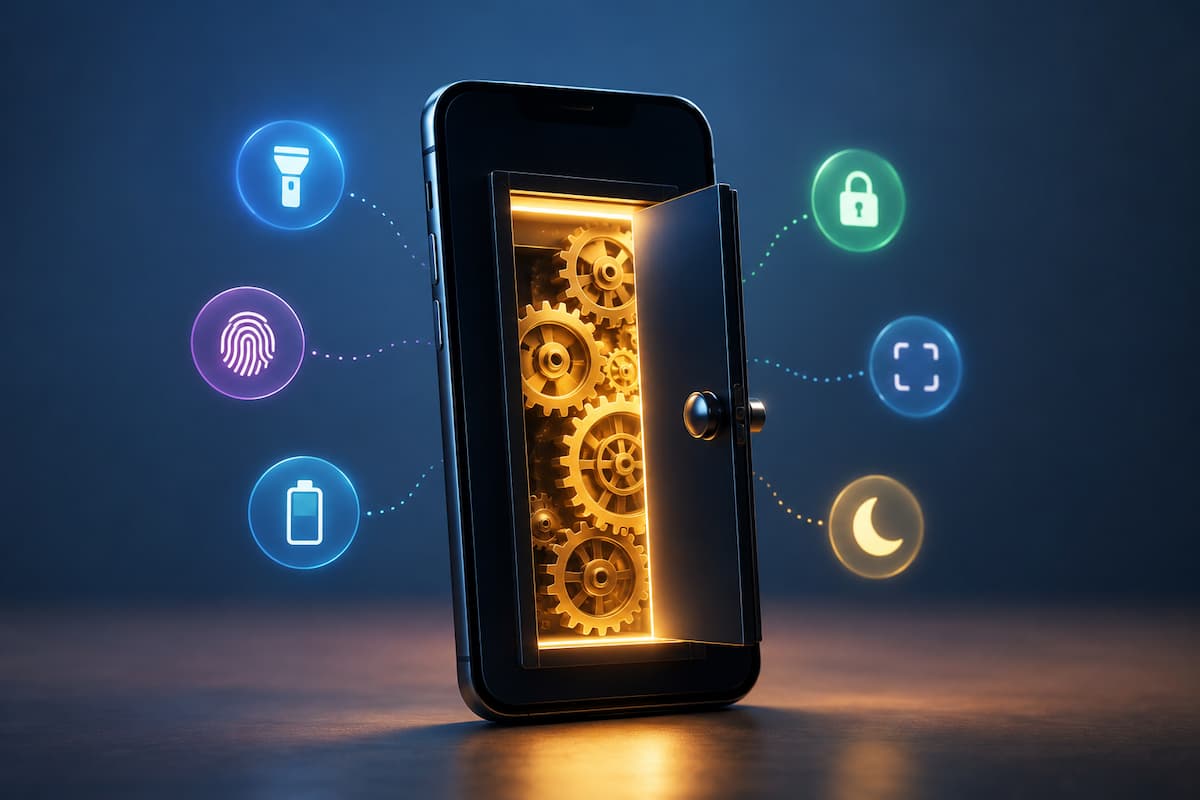
People use smartphones daily for calls, messaging, social media, images, and browsing, but they can do much more. Modern smartphones hide dozens of useful tools in settings, accessibility, camera, and app menus. Not that these things are difficult to utilize. Most never find them. A typical user upgrades their phone every couple years yet uses it similarly. They may lack storage, spend time searching for files, miss essential notifications, or install multiple apps for phone functions. Learning a few built-in capabilities can simplify daily work without buying new software.
Beginning phone users benefit from these hidden functions since they often resolve minor issues. Consider these small tweaks that make your smartphone operate better for your daily routine. Device model and OS determine possibilities. Different Android manufacturers may organize settings differently, while iPhones may name comparable tools in different ways. However, these features’ ideas are generally available and worth examining.
Use Your Phone’s Search
Smartphone users overlook the system-wide search function, a simple feature. Search for a contact, setting, message, file, or note from your phone’s main screen or settings instead of accessing multiple apps. You can use this feature when you know what you want but forget where it is. Beginners searching for battery settings may waste time on “Display,” “Apps,” or “Device Care.” They can find the right option by typing “battery” into the search field.
Smartphone search can also locate forgotten information. You may remember part of a note, a name, or a term from an old communication but not the place. Search engines can find this information faster than browsing directories and programs. Using app icons alone is a mistake. Smartphones are no longer app collections. These connected systems contain contacts, documents, images, emails, and settings. Learning to search your device changes your usage. Check app permissions if your phone search doesn’t work. Adjusting search settings on devices that limit access to protect privacy can improve results while still protecting privacy.
Use Accessibility Features Better
People think accessibility options are exclusively for disabled people, but they’re not. Actually, these technologies can improve smartphone use for practically anyone. They can improve text readability, eye strain, controls, and comfort. Text size modification is useful. Even when reading small menus or messages is uncomfortable, many individuals use default text settings. Changing text size, contrast, or screen magnification can make the phone easier to use without hurting performance.
Voice features are also worth investigating. Voice typing can speed up message writing, especially when typing long sentences on a small keyboard is uncomfortable. Listening to printed information while doing another activity is possible with screen readers and spoken content. Accessibility gadgets also make daily life easier. Cooking, driving before a trip, or working with limited time may benefit from hands-free controls and voice-based features. Many users avoid accessibility settings because they think it will complicate their phone. Most settings are easy to enable or disable. Explore these settings without damaging the phone, and you can always revert if you don’t like them.
Find Better Camera Controls Than Point-and-Shoot
Smartphone cameras are powerful enough that many people rarely need a separate camera for daily photography. However, many users only open the camera app and press the shutter button without using its tools. Most phones have instant photo enhancement. Grid lines aid composition by allowing natural subject placement. Exposure and focus controls can correct dark or bright photos. Learning these simple adjustments often improves camera performance more than downloading another app.
Smartphones offer document scanning, portrait effects, night photography, panoramas, and slow-motion recording. These aren’t mere marketing buttons. They are designed for situations where the normal camera mode may not work well. Misuse of digital zoom is common among beginners. Instead of bringing the subject closer, digital zoom enlarges a portion of an image, reducing quality. Moving closer when possible or using the phone’s dedicated camera lenses usually produces clearer results. It is also worth checking camera storage settings. Some phones allow users to control photo quality, file formats, or automatic cloud backups. Understanding these options helps prevent unexpected storage problems while keeping important memories safe.
Turn On Privacy Features That Give You More Control
Privacy settings are among the most valuable smartphone features, yet many users rarely review them after setting up their device. A phone contains personal information such as photos, contacts, location details, messages, and activity history. Spending a few minutes checking privacy controls can help you understand what your apps can access. One useful habit is reviewing app permissions regularly. Many applications request access to features such as the camera, microphone, contacts, or location. Some permissions are necessary for an app to work properly, but you may not need others for the way you use that app.
For example, a navigation application may need location access, while a simple calculator application usually does not need access to your contacts or microphone. Checking permissions allows you to make decisions based on how each app actually works rather than automatically accepting every request. Modern smartphones also include indicators that show when certain hardware features are in use. For example, many devices display a notification when the camera or microphone is active. These small privacy features help users notice unusual activity and better understand their device. Another useful practice is keeping software updated. Updates often include security improvements, bug fixes, and performance changes. Ignoring updates for long periods can leave your device without important protections that manufacturers provide through newer versions.
Use Digital Wellbeing Tools to Understand Your Phone Habits
Smartphones are designed to be convenient, but convenience can sometimes turn into unnecessary distraction. Many people open their phone for one quick task and then spend much longer than expected scrolling through apps. Built-in digital wellbeing tools can help users understand their habits without requiring complicated tracking applications. These tools usually show information such as screen time, frequently used apps, notification activity, and usage patterns. The purpose is not to judge how someone uses their phone. The value comes from making invisible habits easier to notice.
For example, someone may believe they rarely check social media but discover that repeated short visits throughout the day add up to a significant amount of time. That awareness can help them decide whether certain notifications or app settings need adjustment. Notification management is one of the easiest improvements. Many apps send alerts that are not urgent, and constant interruptions can make it harder to focus. Turning off unnecessary notifications can create a calmer phone experience while keeping important alerts available. Digital wellbeing features can also help create healthier routines before sleeping. Reducing bright screens, limiting late-night notifications, or using scheduled quiet modes can make evening phone use less disruptive.
Learn How to Automate Small Everyday Tasks
Many smartphone users think automation requires technical knowledge or special applications, but most devices already include simple automation features. These tools handle small repeated tasks and reduce the number of steps needed during everyday activities. One example is automatic settings changes based on time or location. Some phones can adjust notification modes during meetings, reduce distractions during certain hours, or activate specific features when connected to a familiar device such as a car system or wireless headphones.
Shortcuts and routines can also save time. A person who frequently performs the same sequence of actions, such as opening a navigation app, sending a regular message, or adjusting phone settings, may be able to combine those steps into a quicker action. The key is starting with simple tasks rather than trying to automate everything. Good automation removes small annoyances from your routine. Poor automation can create confusion if it changes settings when you do not expect it. Before creating automated actions, understand what they change. Review the permissions involved and test them carefully. A helpful automation should make your phone feel easier to use, not harder to control.
Explore File Management Tools
Storage problems are common because smartphones collect information continuously. Photos, videos, downloaded files, screenshots, and unused applications slowly take up space. Many users only notice the problem when their phone becomes slow or cannot save new content. Most modern smartphones include built-in storage management tools that can identify large files, duplicate items, unused applications, and temporary data. These tools are safer for beginners than randomly deleting files because they provide suggestions based on what is taking up space.
Screenshots are a prime example of hidden storage usage. Many people take screenshots for temporary reasons and forget about them later. Over time, hundreds of unnecessary images can remain in the gallery without providing any value. Cloud backup features can also help protect important photos and documents, but you should understand them properly. Cloud storage is not a replacement for organizing files. It is a backup method that helps keep important information available if something happens to your device. A simple monthly storage review can prevent many problems. Checking what is taking space, removing files you no longer need, and keeping important information organized helps maintain a smoother phone experience.
Improve Battery Life by Understanding Your Phone Settings
Battery performance is one of the biggest concerns for smartphone users, but many people focus only on charging habits while ignoring the settings that affect battery usage. A few adjustments can often help a phone last longer during normal daily use. Battery settings usually provide information about which applications consume the most power. This information is useful because it shows real usage patterns instead of guesses. An application running frequently in the background may use more battery than expected.
Screen brightness is another major factor. Keeping the display extremely bright all the time can reduce battery life, especially when combined with features such as high refresh rates or always-on displays. Automatic brightness settings can help balance visibility and power consumption. Background activity controls are also worth reviewing. Some apps need to update information continuously, but others may not require constant background access. Adjusting these options can improve battery performance while keeping important applications functional. Battery saving modes are helpful during situations when charging is not available. However, users should understand that these modes may reduce certain activities temporarily, such as background updates or performance speed.
Simple Habits That Help You Get More From Your Smartphone
Discovering hidden smartphone features is useful, but maintaining good habits is what keeps those improvements working over time. A phone does not need constant changes. Small regular checks are usually enough to keep it organized, secure, and comfortable to use. Take a few minutes every month to review installed applications, privacy permissions, storage usage, and notification settings. This small routine prevents problems from building up quietly in the background.
It is also worth exploring your phone settings occasionally. Manufacturers often add useful improvements through software updates, and features that were unavailable when you first purchased the device may appear later. The best smartphone setup is not the one with the most features activated. It is the one configured around your personal needs. A student, parent, professional, and older user may all benefit from different tools and settings. Learning what your phone can already do helps you avoid unnecessary apps, reduce frustration, and use your device more intentionally. The next time you open your smartphone settings, spend a few minutes exploring. You may find that the solution to a daily problem has been available all along.
FAQs
1. Are There Hidden Smartphone Features on Every Phone?
Most modern smartphones have a lot of these capabilities, although the specific names and places may vary between Android phones and iPhones. Older phones could have fewer options, as some features require a newer version of the operating system or the capabilities of the hardware.
2. Will changing settings on my phone destroy my phone?
Normal setting tweaks will not mess up your phone. You can reverse most of the settings if you don’t like the result. But it’s always a good idea to know what a setting does before messing with advanced settings.
3. Want to get more from your smartphone? Should I download more apps?
Your phone already has a bunch of great tools built in. Check to see if your device already has that function before installing another program. Integrated tools typically take less space and do not provide additional permissions to apps.
4. How often should I check my smartphone settings?
A monthly review is usually enough for most people. You can monitor storage, permissions, updates, and notifications without a lot of time. A brief review lets you identify problems before they become frustrating.

ZapKido Editorial Team creates practical guides covering digital life, productivity, everyday technology, smart home solutions, and home organization. Our content focuses on clear explanations, useful settings, practical habits, and straightforward solutions that readers can apply in everyday situations. We aim to make technology and everyday tasks easier to understand without unnecessary complexity.