
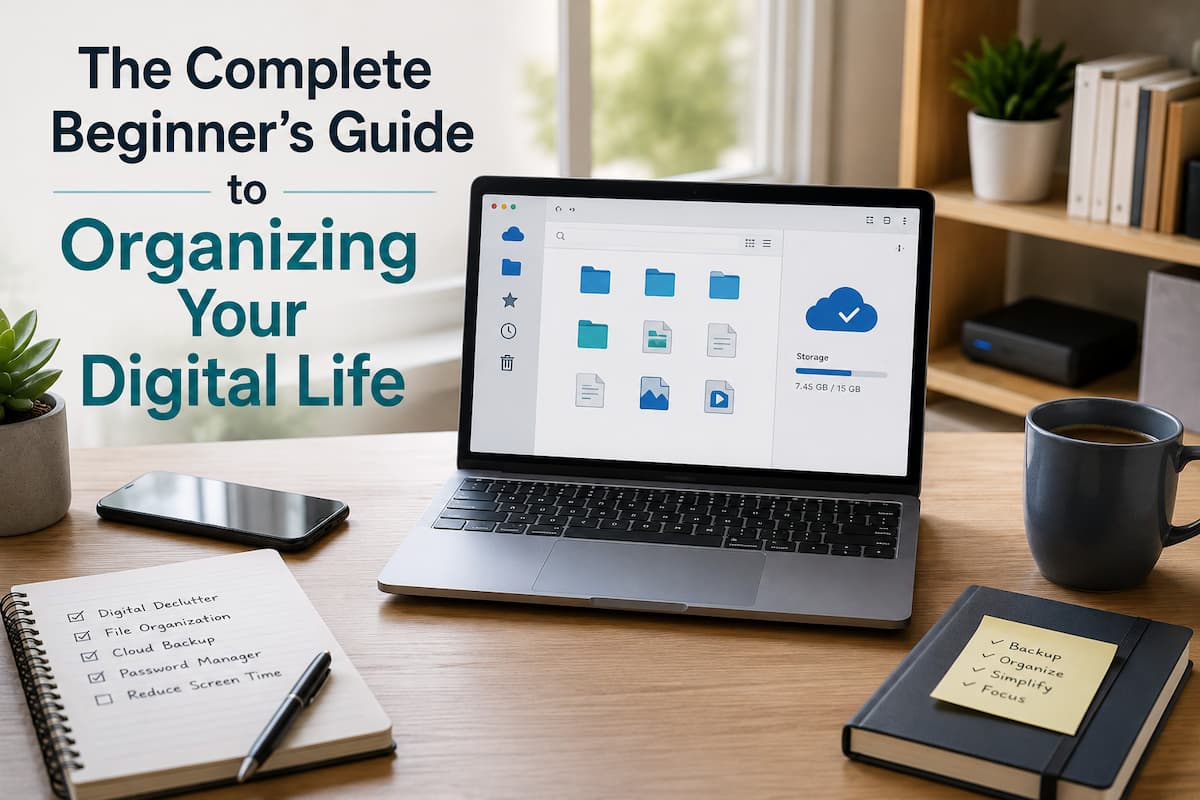
Start with a Digital Cleanup Plan, Not Random Organizing
Starting without a plan is a common digital life organization blunder. They rename files, delete software, and relocate items, but the improvement doesn’t endure since there’s no coherent system. Starting with an overview of your digital information is best. Consider your computer, smartphone, cloud storage, email inboxes, external drives, and internet services. Knowing the problem helps prioritize.
Beginners often grow overwhelmed trying to organize everything in one weekend. Working in small sessions is more realistic. You could spend 30 minutes sorting documents one day and images or email the next. Small improvements are easier to maintain than long, arduous cleanups.
Backup vital data before deleting. Mistakes might occur when moving or removing files in digital organization. You can clean with confidence knowing your memories and documents are safe in a backup. First, make a basic list of digital areas that need repair. This need not be difficult. Start with a phone note with categories like files, images, email, passwords, and gadgets.
Establish a Simple File Organization System You Can Maintain
Due to their sluggish accumulation, files cause the most digital confusion. Single-use documents are routinely forgotten, screenshots accumulate without a rationale, and folders become storage areas instead of organized spaces. The right file system should be easy to use. Many people create too many folders with intricate names and stop organizing because storing files is labor. A system with few decisions is usually ideal.
Beginners can start with broad folders for main life areas. You may have folders for personal, work, school, financial, hobbies, and critical records. Only create smaller categories in those folders when needed.
| Digital Area | Simple Folder Approach |
| Personal documents | Create folders for identification, health records, home documents, and personal projects. |
| Work or study files | Organize by project, subject, or year instead of random file names. |
| Financial information | Keep important statements, receipts, and tax-related documents in clearly labeled folders. |
| Photos and memories | Use dates, events, or locations to make searching easier later. |
File names also play an important role. A file called “Document1.pdf” tells you almost nothing months later. A clearer name such as “Insurance_Policy_2026.pdf” immediately explains what the file contains. Adding dates can also help when you have multiple versions of the same document.
Avoid creating a folder called “Miscellaneous” where everything goes. These folders often become digital storage boxes that recreate the same problem. If you cannot decide where something belongs, that may be a sign that your folder structure needs improvement.
Organize Digital Photos
Because cellphones make it easy to take hundreds of photos each month, organizing them digitally is toughest. Duplicates, hazy photos, screenshots, temporary images, and valuable memories may accumulate in your photo collection. Choose a location for your main photo library first. Many people mistakenly disseminate photos across cloud services, obsolete phones, desktops, and external storage devices. A central location simplifies future organization.
Eliminate obvious clutter. Starting with duplicate images, inadvertent screenshots, and accidental photos is safe. Do not rush to review every photo. Handling large collections in smaller groupings is straightforward.
Avoid making too many albums. A common mistake is making dozens of detailed albums that are difficult to maintain. Often, family gatherings, trips, essential documents, and personal pursuits are enough. Organizing images periodically instead of waiting years is another good practice. A few minutes a month can prevent a huge cleanup. Photo organizing keeps key memories accessible and neatens a library.
Daily Improvements can Improve Digital Habits
Routine digital organization works best. A well-organized computer or phone can soon become cluttered if old habits persist. Small habits should keep clutter from recurring. Making quick decisions when creating or receiving digital information is useful. Ask if you require a downloaded file. Think about whether an app solves a real problem before installing it. Decide whether to answer, store, archive, or delete emails.
Regularly assessing your digital places is also vital. This need not be a large project. Monthly reviews of your downloads folder, unused programs, email subscriptions, and storage space can prevent tiny issues from becoming major. Don’t chase intricate productivity systems because they work for someone else. Digital organizing should complement your lifestyle, not add to your workload. A simple system you follow regularly is better than a sophisticated system you leave.
Organise Your Email Inbox Without Spending Hours Weekly
Because consumers see their inbox as a permanent storage site, they often overlook email in their digital organization. Over time, newsletters, receipts, notifications, professional messages, and personal discussions blend, making identifying crucial messages difficult. The first step to a cleaner inbox is realizing you don’t need to see everything. Instead of a whole email history, your inbox should contain urgent communications. Old messages can be stored and searched.
Eliminate unneeded subscriptions. Many ex-users receive emails from websites. Instead of manually deleting these messages daily, unsubscribe from useless sources. This lowers future clutter, not just the current issue. Folders and labels should be straightforward to organize critical messages. To many categories can complicate email handling. For most beginners, finances, personal records, employment, and travel are plenty. Email organization includes searching. Modern email services let users search by sender, date, keywords, and attachments. Creating a complex filing system takes longer than learning basic search techniques.
Make Password and Online Account Management Safer
Because online accounts contain personal information, password management is crucial to digital life organization. Many people struggle because they reuse passwords across websites or store them in hard-to-manage places. A password manager can help beginners organize. These tools secure passwords and generate stronger ones for new accounts. Only the password manager’s password needs to be remembered instead of dozens.
Reviewing online accounts periodically helps. Many people no longer use accounts they created years ago. Old accounts with personal data might clog digital space. For email, banking, and cloud storage, use two-factor authentication whenever possible. Beyond your password, this adds security. Security features work better with systematic account management. Keep recovery data current. An old phone number or email address can make account recovery difficult when you need it most. Digital organization is convenient and helps you manage your online identity.
Clean Up Your Devices and Make Them Easier to Use
Installing apps, downloading files, and changing settings without reviewing them clutters computers and smartphones. A device that was once fast and simple can slowly become crowded with things we no longer need. Begin with applications. Remove programs and apps that you have not used for a long time. Keeping unnecessary apps does not always create a major problem, but it can make your device harder to navigate and may consume storage space.
Review your home screen and desktop as well. Many people keep dozens of shortcuts visible because they believe quick access is helpful. In reality, too many icons often make it harder to find what you actually use. Move less important tools away and keep frequently used ones.
Notifications are another hidden digital distraction. All alerts battle for your attention. Review notification settings and enable only useful alerts. Quieter devices feel more organized immediately. Remember that organization includes maintenance. Sometimes updating, verifying storage, and reviewing settings can prevent issues. Well-maintained equipment is easier to manage than a neglected one.
Use Cloud Storage Wisely Instead of Creating More Digital Mess
Cloud storage has made it easier to retrieve information from numerous devices, but it may also generate confusion when utilized without a system. Some users save files across many cloud accounts and then forget where they saved crucial information. Choose a primary cloud storage location for your main data wherever possible. This does not imply you can never use other services, but having one central area reduces confusion. Before uploading everything, decide how you will use the service.
Syncing is convenient because it keeps files available across devices, but it should not be confused with backup. If a file is removed or altered, those changes may also sync across devices. An additional backup strategy is useful for critical data.
Cloud files should follow your computer’s structure. The consistency helps you understand where things go. A folder system that switches devices or services wastes mental energy. Check your cloud storage consumption regularly. Get rid of duplicates, old backups, and outdated files. Storage restrictions might arise when digital data accumulates without examination.
Simple Security Practices Protect Digital Data
Organizing your digital environment strengthens security. A disorganized digital environment might hide suspicious activities, outdated accounts, and missing backups. Clean systems make protecting crucial data straightforward. Update your OS, apps, and security software. Upgrades often safeguard devices against known issues. Significant update delays can expose devices. Beware unexpected emails, attachments, and links. When you stay organized online, you can spot reputable accounts and services more easily.
Back up critical files. Family images, personal documents, creative initiatives, and critical records demand special attention. A backup plan should exist but not be complicated. Check your important internet privacy settings. Many platforms let you control data sharing, notifications, and use. Some time spent reviewing these settings can improve your digital control.
Make a Sustainable Digital Organization Routine
Digital organization’s largest challenge is maintenance, not launching. People who organize their files once but never form habits that support the new structure return to the same issues. An uncomplicated maintenance program can prevent these problems. Spend a little time reviewing your digital spaces. You can clean up downloads, storage, recent photos, accounts, and unnecessary apps.
Avoid waiting until digital overwhelm returns. Major cleanups are harder than small ones. It’s easier to delete a few files today than to sort through years of clutter tomorrow. Your system should evolve with your demands. A folder organization for a student may not work for a housewife or small business owner. Digital organization requires continual adjustment.
Conclusion
Organizing your digital life doesn’t require immaculate file organization or complex productivity tactics. Creating a simple environment makes information easier to discover, gadgets easier to operate, and vital data better safeguarded.
Better start with one tiny change. Clean one folder, organize one collection of images, evaluate one account, or build one improved habit. These little improvements ultimately create a digital system that feels manageable instead of overpowering. Technology should decrease stress, not create more of it. With a realistic strategy and frequent maintenance, anyone can develop a cleaner digital existence that supports everyday activities.
FAQs
1. How often should I get my digital files in order?
Most people only need a short review once a month. The exact schedule will rely on how much digital information you create, but short sessions done regularly are easier to keep up with than big cleanups every once in a while.
2. Should I get rid of old files that I haven’t opened in years?
Not all the time. Even if you don’t use some files very often, they may still be useful. A better plan is to go through old files, move important information to more organized storage, and get rid of clear duplicates and other things that aren’t needed.
3. Is it safe to store my things in the cloud?
Accessing and syncing files in the cloud is helpful, but it shouldn’t always be thought of as a full backup solution. Keeping an extra copy of important files in a different place may be helpful.
4. Where can a beginner start without much trouble?
First, work on the area that gives you the most trouble. For many, the starting point is the folder where they store their downloads, their email, or their picture library. Fixing one problem area makes it easier to organize other areas.
5. Do I need special apps to keep my online life in order?
You don’t have to use special apps, but they can help. More important than having a lot of organization tools is having good habits, keeping folders clean, reviewing things regularly, and following basic security rules.
References
The recommendations in this article are based on general digital organization and security practices supported by recognized technology organizations and official documentation.
- National Institute of Standards and Technology (NIST) guidance on cybersecurity practices:
https://www.nist.gov/cybersecurity - Cybersecurity and Infrastructure Security Agency (CISA) resources for online safety:
https://www.cisa.gov - Federal Trade Commission (FTC) consumer guidance on online security:
https://consumer.ftc.gov

ZapKido Editorial Team creates practical guides covering digital life, productivity, everyday technology, smart home solutions, and home organization. Our content focuses on clear explanations, useful settings, practical habits, and straightforward solutions that readers can apply in everyday situations. We aim to make technology and everyday tasks easier to understand without unnecessary complexity.