
This is how digital clutter slowly accumulates. For convenience, files are saved to the desktop. Because there is no time to organize, another file ends up in the Downloads folder. Someone might make a copy because they aren’t sure if the original exists. These seemingly insignificant decisions, piling up over time, eventually lead to a chaotic file system.
Creating hundreds of folders or spending a whole weekend organizing files is not the solution. A smart digital file system should simplify your life, not complicate it. An organized file system should enable you to easily find what you need, know where new files are, and ensure the security of important data. Beginners often think that digital file management requires complex software or technical skills. In reality, a reliable system can be built using simple folders, clear file names, and consistent habits. A simple system that anyone can easily maintain is the best choice.
The Role of Digital File Systems
Digital file systems store and organize files, making it easy to retrieve them. Just like labeled drawers and folders in a filing cabinet, your computer and cloud storage require organization to help you find the information you need. Without a system, every file competes for your attention. You may encounter issues such as misnamed files, multiple copies of the same file, and disorganized folders. This can lead to unnecessary decision-making when saving new files.
Simple archiving solves three common problems. First, it reduces the time spent searching. Second, it helps ensure that important files are not lost. Third, it establishes a clear new workflow for managing information. Suppose you receive an email containing a document regarding your home insurance. Without a system, you might just leave it in your ‘Downloads’ folder. Six months later, you would have to search through dozens of unrelated files. A simple archiving method would be to place files in folders such as “Personal” → “Insurance” → “Home Insurance.”
The ideal file organization strategy is not the ultimate goal. Everyone requires a different structure. Naturally, students, freelancers, small business owners, and families organize information in different ways. The best choice is a system that aligns most closely with your habits.
Preparing to Organize Your Files
Beginners often make the common mistake of creating folders without first understanding their existing files. Moving files haphazardly without a plan usually leads to chaos. Before you start organizing, check the locations of your most important files. Check your desktop, downloads folder, documents folder, external drives, email attachments, and cloud storage. This phase is not for immediate organization; it is crucial to understand the task’s scope and where most of your digital data is stored.
During this inventory process, categorize your files into three types: frequently used items, archive files, and obsolete files. This categorization simplifies the organization process, as each file carries a different level of importance. Selecting a primary storage location is also helpful. Some people prefer to store important files on a regularly backed-up computer. Others prefer cloud storage for access on multiple devices. Some combine both methods. Do not build a complex system before understanding your needs. A simple, user-friendly structure is more valuable than a complex, hard-to-maintain system.
Build a Folder Structure That Matches Your Real Life
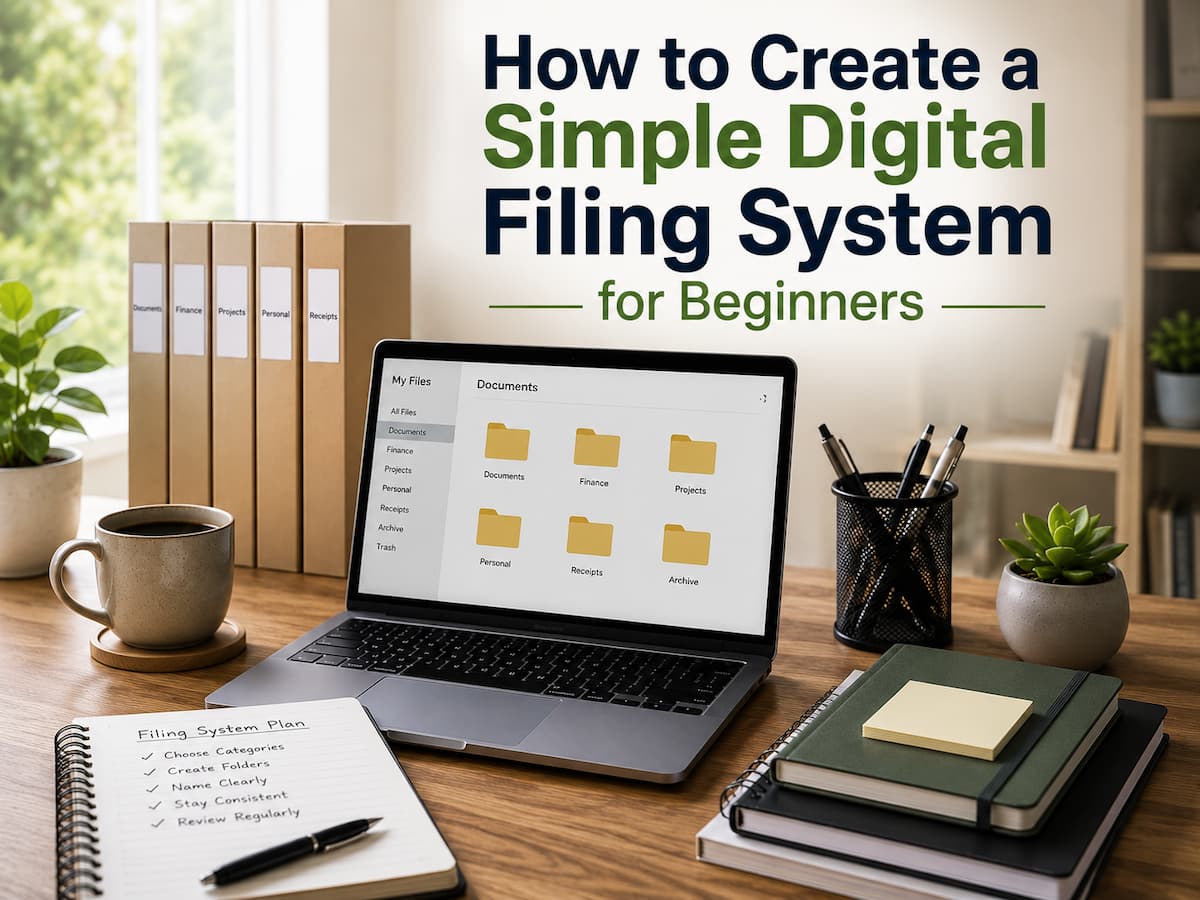
The foundation of a digital filing system is the folder structure. This phase is where many beginners make their first mistake: creating too many folders. A system with dozens of categories may look organized at first, but it can become frustrating because every new file requires a decision about where it belongs. A better approach is starting with broad categories that match your daily activities. Most people only need a small number of main folders. These categories should represent areas of life rather than individual files.
| Main Folder | Examples of Files Stored Inside |
| Personal | Identification documents, personal records, important letters |
| Finance | Bank statements, tax documents, receipts, insurance records |
| Work or Projects | Professional documents, presentations, project files |
| Photos | Family photos, events, personal images |
| Learning | Courses, notes, educational materials |
These categories are only examples. Someone managing a small business may need folders for clients and accounting, while a student may need folders for subjects and assignments. The important part is that the structure feels natural. A useful test is asking yourself, “If I received this file today, would I immediately know where it belongs?” If the answer is no, the system may be too complicated. Good organization reduces decisions instead of creating more.
Create File Naming Rules That Save Time Later
Folders help you locate groups of files, but file names help you identify individual documents quickly. Many digital organization problems come from unclear names such as “document.pdf,” “new file,” or “final version 2.” These names may make sense today but become confusing months later. A good file name should explain what the file contains without requiring you to open it. The exact format depends on your needs, but consistency is the most important factor.
For example, instead of naming a document
Bad example: finaltax.pdf
Better example: 2026-tax-return-summary.pdf
Organize Files Without Stress
If your computer has thousandare, photographs, and downloads, organizing them can seem impossible. Many people hesitate starting because they assume they must organize everything properly first. This thinking adds stress and hinders progress. Better to organize gradually. Start with your desktop or Downloads folder, which causes the most issues. These areas frequently hold temporary files, crucial documents, and unneeded objects.
Move questionable files to a temporary “To Organize” folder. This keeps your main folders clear while you determine where to put files. One temporary sorting area is better than dozens of random ones. Avoid removing old files you don’t recognize. Documents for taxes, warranties, legal records, and personal histories may be needed later. If you’re unsure, keep the file and evaluate it later.
Clutter also comes from duplicate files. Make sure files are identical before eliminating duplicates. Similar-sounding documents may contain distinct content. A diligent inspection avoids crucial records from being deleted. Cleanup is not about perfecting a computer overnight. From here, the system should be easier to manage. Once new files are organized, future organization is easier.
The Right Storage Strategy for You
Folders and file storage are both important in a digital filing system. Many beginners unknowingly save files in multiple locations. Some documents are on laptops, phones, or email accounts. This hinders information retrieval. The three main storage methods are local, external, and cloud. Each choice has benefits; therefore, many individuals utilize a mix.
| Storage Option | Useful For | Things To Consider |
| Computer Storage | Frequently used files and everyday work | Files may be lost if the device fails without backup |
| External Drive | Backup copies and large collections such as photos | Needs regular connection and safe storage |
| Cloud Storage | Accessing files from multiple devices | Requires account security and internet access |
The best choice depends on how you work. Someone who mainly uses one computer may prefer local storage with a backup drive. Someone who works across multiple devices may benefit from cloud storage. The important part is knowing where your important files are located.
Avoid creating a system where the same document exists in several places without explanation. Multiple copies can create confusion when you are unsure which version is the latest.
Protect Your Files With Simple Backup Habits
A simple backup strategy is effective. Many people utilize automatic cloud backups and occasional external storage copies. How important and frequently changed files are determines the best solution. Make sure backups function too. Some consumers think their files are safe but find out the backup was partial or obsolete. Reviewing backup settings periodically helps avoid unwanted shocks. Furthermore, security matters. Create strong storage account passwords and enable account protection measures where applicable. Only if you can safely access your backup is it beneficial.
Avoid These Digital Filing Rookie Mistakes
Understanding the common faults that cause clutter makes digital filing easier. Poorly maintained systems generate many organization issues, not a lack of effort. Having too many folders is a typical mistake. Detailed categories may look tidy, but they might make file storing difficult. People often quit organizing if every document demands many decisions before storage.
One such mistake is using the search feature exclusively. Search tools are useful when files have clear names and logical placements. Search engines should aid organization, not replace it. Saving everything on the desktop is another bad habit. The desktop is great for temporary access, but storing crucial data there can hide it among screenshots, downloads, and shortcuts. Some people store unneeded files forever since removing is risky. Being cautious is wise, but retaining every file causes digital noise. Regularly analyzing old documents keeps the system clean.
Use Your Filing System Long-Term
Not developing the system is the hardest aspect of digital organization. It keeps it. Randomly saving files will ruin a beautiful organizational arrangement. An easy maintenance program can prevent such chaos. Please take a few minutes to evaluate your recent downloads, organize any new files, and delete any that are no longer needed. Small maintenance jobs are easier than big cleanups.
Starting to save is also crucial. Instead of storing a downloaded file, choose its destination. A minor decision keeps clutter from accumulating. When your life changes, so should your system. Students may need work folders. A freelancer may need client folders. A family can share household record folders. Good organizations evolve. Filing systems will not be faultless. Reduces stress, saves time, and simplifies managing vital information.
Conclusion
Digital filing systems don’t require complicated software, technological expertise, or daily management. Simple principles like clear directories, usable file names, durable storage, and regular maintenance make the best systems.
You should organize your files before digital clutter becomes excessive, but you can also gradually address a messy PC. Prioritize key files, organize your life, and improve the system as you learn what works. Digital organization involves friction reduction. You spend less time looking and more time accessing important information when files have predictable placements. Simple systems that are constantly maintained will always outperform sophisticated ones that are hard to follow.
FAQs
1. How many folders should a beginner create?
It is best for beginners to start with a few broad categories rather than creating a large number of detailed folders right away. More folders can easily be added later if needed. Starting simple makes system management easier.
2. Should I organize all my old files at once?
No. Organizing years’ worth of files all at once can be frustrating. Start with frequently used, important documents and folders, then gradually organize older files according to your own schedule.
3. Is cloud storage sufficient to protect my files?
Cloud storage can be an important part of a backup strategy, but your solution should be tailored to your business’s needs. Some people prefer to keep multiple copies of important files in different locations for added security.
4. How should I handle files (if I’m not sure whether to delete them)?
If you are unsure, do not delete them immediately. Move questionable files to a temporary audit folder for later review. This allows you to make a decision without worrying about losing files.
5. How often should I clean up my digital files?
There is no single standard. Many people perform a quick check monthly, while others prefer to clean up occasionally. The most important thing is to make it a habit to prevent files from piling up and becoming disorganized.

ZapKido Editorial Team creates practical guides covering digital life, productivity, everyday technology, smart home solutions, and home organization. Our content focuses on clear explanations, useful settings, practical habits, and straightforward solutions that readers can apply in everyday situations. We aim to make technology and everyday tasks easier to understand without unnecessary complexity.