
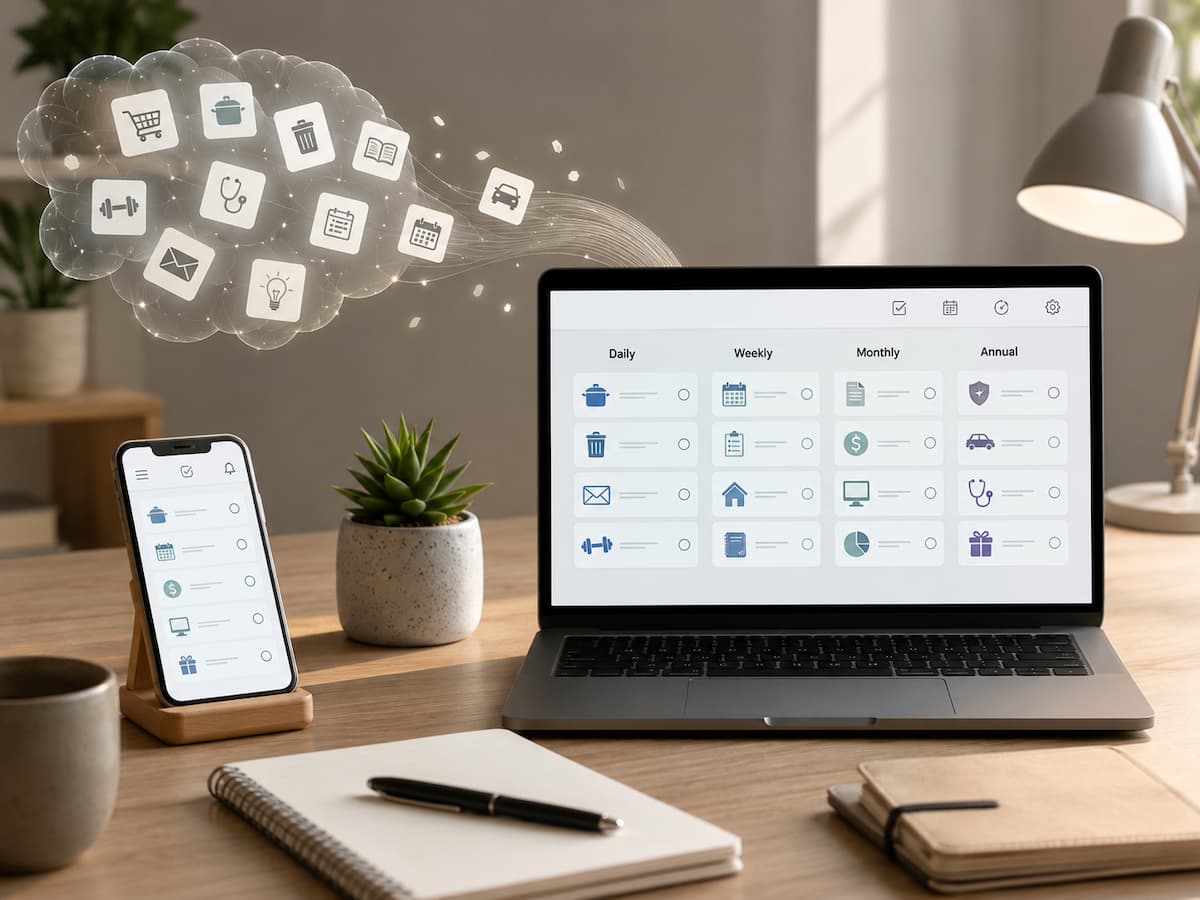
It is even worse when you rely on memory alone for repetitive tasks. You might forget something until it becomes urgent, remember it at the wrong moment, or keep thinking about it without ever actually doing it. Long to-do lists distract you from important tasks. Complex efficiency systems aren’t a magic bullet, but they can reliably track repetitive tasks and remind you when you need to do them.
This guide teaches you how to manage your daily tasks easily. You will learn how to identify repetitive tasks, create reasonable schedules, choose which chores to automate, set effective reminders, handle missed tasks, revise outdated processes, and design a simple task management system for yourself and your work.
What Counts as a Recurring Task?
A recurring task is work that needs to happen repeatedly according to some pattern. The pattern can be obvious, such as “take out the recycling every Tuesday,” or less frequent, such as “review insurance documents once a year.” Recurring work can happen daily, weekly, monthly, quarterly, annually, or according to a less regular cycle.
Not every repeated activity needs to become a formal task. For example, brushing your teeth is already a habit and routine. Creating a task for every tiny action can make a system unnecessarily noisy. Recurring tasks are most useful for responsibilities that you are likely to forget, that have consequences if missed, or that require deliberate preparation.
| Pattern | Example | Useful System |
|---|---|---|
| Daily | Review important messages | Task or routine reminder |
| Weekly | Plan the coming week | Recurring task |
| Monthly | Review recurring expenses | Recurring task with checklist |
| Quarterly | Review household documents | Calendar or recurring task |
| Annual | Renew an important service | Calendar event plus reminder |
The key distinction is that a recurring task represents something that needs deliberate attention. If the activity happens automatically as part of your normal routine, it may not need a place on your task list.
Why Keeping Recurring Tasks in Your Head Causes Problems
Memory is useful for recognizing information and making decisions, but it is a poor place to store every future obligation. When you tell yourself, “I need to remember to check that next Friday,” the task remains active in the background. You may not be working on it, but you still need to keep enough mental attention available to remember it.
This process becomes particularly difficult when tasks have different frequencies. You might remember weekly responsibilities easily while forgetting something that happens only every six months. An annual task is especially easy to miss because there may be months between the last completion and the next occasion.
A written or digital system moves the responsibility for remembering from your brain to an external reference. That does not guarantee that every task will be completed, but it removes the need to repeatedly ask yourself what you might be forgetting. Your task system should remember the task for you. Your attention should be reserved for deciding what to do and actually doing it.
Start by Capturing Everything That Repeats
Before choosing an app or building a detailed schedule, make a rough list of recurring responsibilities. Think through home maintenance, finances, work, digital housekeeping, personal administration, appointments, subscriptions, and other areas where something comes back again and again.
Look beyond obvious chores. A recurring task could be checking a project dashboard every Monday, backing up important files, reviewing expenses, preparing a monthly report, checking inventory, cleaning a particular area, or reviewing upcoming deadlines. If you repeatedly tell yourself, “I must remember to do this task,” it is a suitable candidate for external tracking.
Do not worry about assigning dates during this first pass. Capture first. Organize second. Trying to decide the perfect frequency while remembering every responsibility at the same time makes the initial setup harder than it needs to be.
A useful capture test: For each activity, ask three questions: Does it repeat? Would forgetting it cause a problem? Would an external reminder make life easier? If the answer is yes to all three, it probably belongs in your recurring-task system.
Choose the Right Frequency
The schedule you choose determines whether a recurring task is useful or annoying. A task that appears too often becomes background noise. A task that appears too late may not leave enough time to complete it.
Use the natural rhythm of the responsibility rather than choosing an arbitrary interval. If you need to review something on the first business day of each month, “every 30 days” may not represent the real pattern. Similarly, “every two weeks” is different from “twice a month.” The wording matters because the resulting dates can be different.
| Frequency | Good Fit | Potential Problem |
|---|---|---|
| Daily | Short, important routine checks | Too many daily reminders become easy to ignore |
| Weekly | Planning, cleaning, reporting | Can become repetitive if the task no longer matters |
| Monthly | Reviews, bills, administrative work | Easy to forget if reminders are poorly timed |
| Quarterly | Reviews and less frequent maintenance | Long gaps can make the task easy to overlook |
| Annual | Renewals and yearly reviews | Important details may change before the next occurrence |
For less frequent tasks, consider adding preparation time. If an annual renewal requires documents and several days of processing, the reminder should not appear on the final deadline.
Create One Reliable Home for Recurring Tasks
One of the biggest problems with task organization is fragmentation. You may keep some reminders in your phone, others in a notebook, some in an email inbox, and still more in your memory. That arrangement forces you to check several places before you know what needs attention.
A better approach is to choose one primary task-management location. It could be a dedicated task app, a built-in task system, a project-management platform, or another method that you consistently use. The specific product matters less than reliability and ease of use.
Modern task-management systems commonly support recurring schedules, reminders, and calendar integration. Task scheduling guidance also recommends recurring schedules for routine work while keeping workload realistic and leaving room for changing priorities.
| System | Best For | Watch Out For |
|---|---|---|
| Task app | Flexible recurring responsibilities | Overcomplicated setups |
| Calendar | Time-specific commitments | Too many task-like entries |
| Paper planner | People who prefer physical planning | Recurring tasks can require manual copying |
| Project management system | Team-based recurring work | More features than simple routines require |
The best system is the one you actually check. A powerful tool that you rarely open is less useful than a simple system that consistently shows you what needs attention.
Use Reminders Without Creating Notification Overload
Reminders are helpful because they move a task back into your attention at the right moment. They become counterproductive when every recurring task produces an alert. After enough unnecessary notifications, people start dismissing them automatically, including the ones that actually matter.
Use notifications according to consequence. A task that must happen at a specific time may deserve an alert. A flexible weekly task may only need to appear in your task list. A low-priority routine may not need a notification at all.
Timing also matters. If a task requires preparation, the reminder should arrive early enough to make action possible. A reminder to submit a document five minutes before a deadline is technically accurate but practically useless if the document takes an hour to prepare. A good reminder does more than say “do this.” It appears early enough, in the right place, with enough context to make the next action obvious.
Write Recurring Tasks So They Are Easy to Understand
A recurring task should be understandable when it appears several weeks or months after you created it. Avoid vague titles such as “Review,” “Check things,” or “Monthly stuff.” Those labels force you to reconstruct what you meant. Instead, write the action and object clearly. “Review monthly household expenses” is easier to understand than “Money review.” “Review website backups” tells you more than “Backup.” Good task names reduce the amount of thinking required before you can begin.
When a recurring task needs more detail
If the same task involves several steps, include a checklist or short instructions. For example, a monthly financial review might involve checking recent transactions, comparing recurring charges, and recording anything unusual. A weekly work report might require gathering figures, reviewing outstanding items, and sending the final report.
Keep the main task simple, however. If every recurring task becomes a long instruction manual, the system becomes difficult to maintain. Put detailed procedures somewhere appropriate and link or reference them from the task when needed.
Know When to Use a Calendar Instead
Recurring tasks and recurring calendar events are related, but they are not the same. A task describes something that needs to be completed. A calendar event reserves a specific time or represents an appointment that occurs at a defined time.
“Review expenses this month” is usually a task. “Dentist appointment at 10:00” belongs on a calendar. Some responsibilities need both. For example, a meeting may have a calendar event, while preparing the documents for that meeting is a recurring task.
| Use a Task When… | Use a Calendar When… |
|---|---|
| The work can happen within a flexible window. | The activity happens at a specific time. |
| You mainly need a completion reminder. | You need to reserve time. |
| The duration is uncertain or short. | The timing affects other commitments. |
| You want to track completion. | You need an appointment or scheduled event. |
Using both tools thoughtfully can prevent the common mistake of turning a calendar into a giant checklist.
Turn Repeated Processes Into Checklists
Some recurring responsibilities are not really single tasks. They are small processes that happen repeatedly. If you have to remember the same sequence every time, create a reusable checklist instead of relying on memory.
For example, a monthly business review might involve collecting figures, checking invoices, reviewing outstanding work, updating a report, and filing supporting documents. A simple recurring reminder can tell you when the process begins, while the checklist ensures you don’t forget the individual steps.
This is particularly useful when another person may eventually need to perform the task. A clear checklist turns personal knowledge into a repeatable process that another person can understand. Do not create checklists for trivial activities merely because the software allows it. The purpose is to reduce mental effort, not to document every movement you make.
Handle Missed and Rescheduled Tasks Properly
One of the overlooked parts of recurring-task management is deciding what happens when a task is missed. Different systems handle recurring tasks differently. Some create another occurrence according to the original schedule, while others may shift the next date depending on how the task was completed or postponed. This behavior can vary by application and by recurrence rules.
Before relying heavily on recurring tasks, test how your chosen system handles postponing, skipping, completing late, and changing the recurrence pattern. This matters because a task such as “clean the refrigerator every month” should not necessarily create an accumulating pile of missed tasks if you skip one month.
For important deadlines, consider separating the recurring reminder from the actual deadline. This gives you a chance to act without letting a missed reminder silently shift the responsibility into the future.
Review Recurring Tasks Before They Become Clutter
Recurring tasks can solve one organizational problem while creating another. Once you create a recurring task, it may continue appearing long after the underlying responsibility has changed. A weekly report may stop being necessary. A monthly subscription review may move to another process. A household task may become automatic and no longer need a reminder.
Please review your recurring list periodically. Ask whether each item still needs to exist, whether its frequency is correct, whether the reminder arrives at a useful time, and whether the task is still written clearly.
Look especially for tasks that have been repeatedly postponed. Constant postponement is useful information. It may mean the task is no longer important, the timing is wrong, the task is too large, or the reminder is being used when a calendar appointment or project plan would work better.
Practical Examples for Home, Work, and Personal Life
Recurring-task systems become easier to understand when you see how they work in ordinary situations. At home, recurring tasks might include checking household supplies, reviewing utility statements, maintaining equipment, or preparing for a regular cleaning routine. At work, they could include weekly reporting, monthly document reviews, recurring client follow-ups, or routine system checks.
| Area | Recurring Task | Useful Frequency | Helpful Detail |
|---|---|---|---|
| Home | Review household supplies | Weekly | Check items that are easy to forget |
| Finance | Review recurring expenses | Monthly | Look for changes and unused services |
| Work | Prepare status report | Weekly | Include a short preparation checklist |
| Digital | Review important backups | Monthly | Verify that backups are actually usable |
| Planning | Review upcoming commitments | Weekly | Look ahead rather than only at today |
The important point is that recurring tasks should reflect real responsibilities rather than an idealized productivity routine. If a task does not represent something you genuinely need to do, it does not belong on the list.
Common Mistakes That Make Recurring Systems Fail
| Mistake | Better Approach |
|---|---|
| Making everything recurring | Only automate genuine repeated responsibilities. |
| Using vague task names | Describe the action clearly. |
| Too many notifications | Reserve alerts for tasks that need them. |
| Never reviewing the list | Audit recurring tasks periodically. |
| Ignoring missed-task behavior | Test how the software handles postponements. |
| Mixing tasks and appointments | Use tasks for work and calendars for time-specific commitments. |
A good recurring-task system should feel almost boring. You capture responsibilities, they appear at sensible times, you complete them, and the next occurrence arrives when appropriate. If managing the system itself becomes a major project, simplify it.
Conclusion
Recurring tasks may take up only a small part of daily life, but remembering them all takes more energy than you think. The simplest solution is to avoid letting your memory become your task management system. Store recurring tasks in a reliable place, create a sensible schedule for them, and use reminders only when necessary.
Proper management of recurring tasks also involves knowing what *doesn’t* need to be automated. Some activities have become habits, some belong in your calendar, and others should be treated as projects or one-off tasks. Categorizing them keeps your system efficient rather than turning it into an overwhelming wall of notifications. Start small. Make a list of recurring tasks you often forget, choose a suitable frequency, give the tasks clear names, and evaluate the system after a while. Once you no longer have to keep important reminders in your head, you can spend less energy remembering what to do next and focus more on the actual work.
FAQs
1. What is the best way to remember recurring tasks?
The most reliable method is to offload recurring tasks from your memory into a system you are already in the habit of checking. Task managers are well-suited for flexible work, whereas calendars are better for events tied to specific times. Consistency is key. Even if you spread reminders across various unrelated apps, things can still slip through the cracks. Start by choosing a primary system, add only important recurring tasks, and check that system regularly.
2. Should every daily habit become a recurring task?
No. Turning every daily activity into a task creates unnecessary clutter. Recurring tasks work best for activities that people easily forget or that require conscious attention. If you have already automated an activity and rarely overlook it, you probably don’t need a reminder. The goal of task management is to reduce mental load, not to create a digital record of every daily activity.
3. What if I keep putting off recurring tasks?
Repeated procrastination is a sign that warrants closer inspection. The task might not be important enough to repeat, the schedule might be inconvenient, or the task itself might be too daunting. If necessary, break the task down into smaller steps, choose a more suitable time, adjust the frequency, or delete the task altogether. Avoid sending the same reminder over and over, as this leads to a habit of ignoring it.
4. Are recurring tasks better than calendar reminders?
Both have advantages and disadvantages. Recurring tasks are best for situations where a task needs to be completed within a flexible timeframe. Calendar reminders are better suited for situations where something must happen at a specific time or requires a dedicated time slot. Some responsibilities may call for both; for instance, recurring tasks can remind you to prepare for a monthly meeting, while the meeting itself should be scheduled in your calendar.
5. How often should recurring tasks be reviewed?
Regular reviews are useful because responsibilities can change. For many, a quarterly review is a reasonable starting point, though critical work systems may require more frequent checks. During these reviews, you should delete obsolete tasks, adjust frequencies, clarify vague descriptions, and update reminder content. If the underlying process changes, the task should also be revised immediately.
6. What if a recurring task takes place at an irregular time?
Not all recurring work can simply be categorized under a fixed schedule, such as “every Monday” or “every month.” If the timing depends on other events, project milestones, or unpredictable circumstances, a standard recurring task may not be suitable. Instead, tasks should be created when the triggering event occurs, or processes should be used that support specific dependencies. The goal is to reflect the actual process, not to force it into an inaccurate schedule.

ZapKido Editorial Team creates practical guides covering digital life, productivity, everyday technology, smart home solutions, and home organization. Our content focuses on clear explanations, useful settings, practical habits, and straightforward solutions that readers can apply in everyday situations. We aim to make technology and everyday tasks easier to understand without unnecessary complexity.