
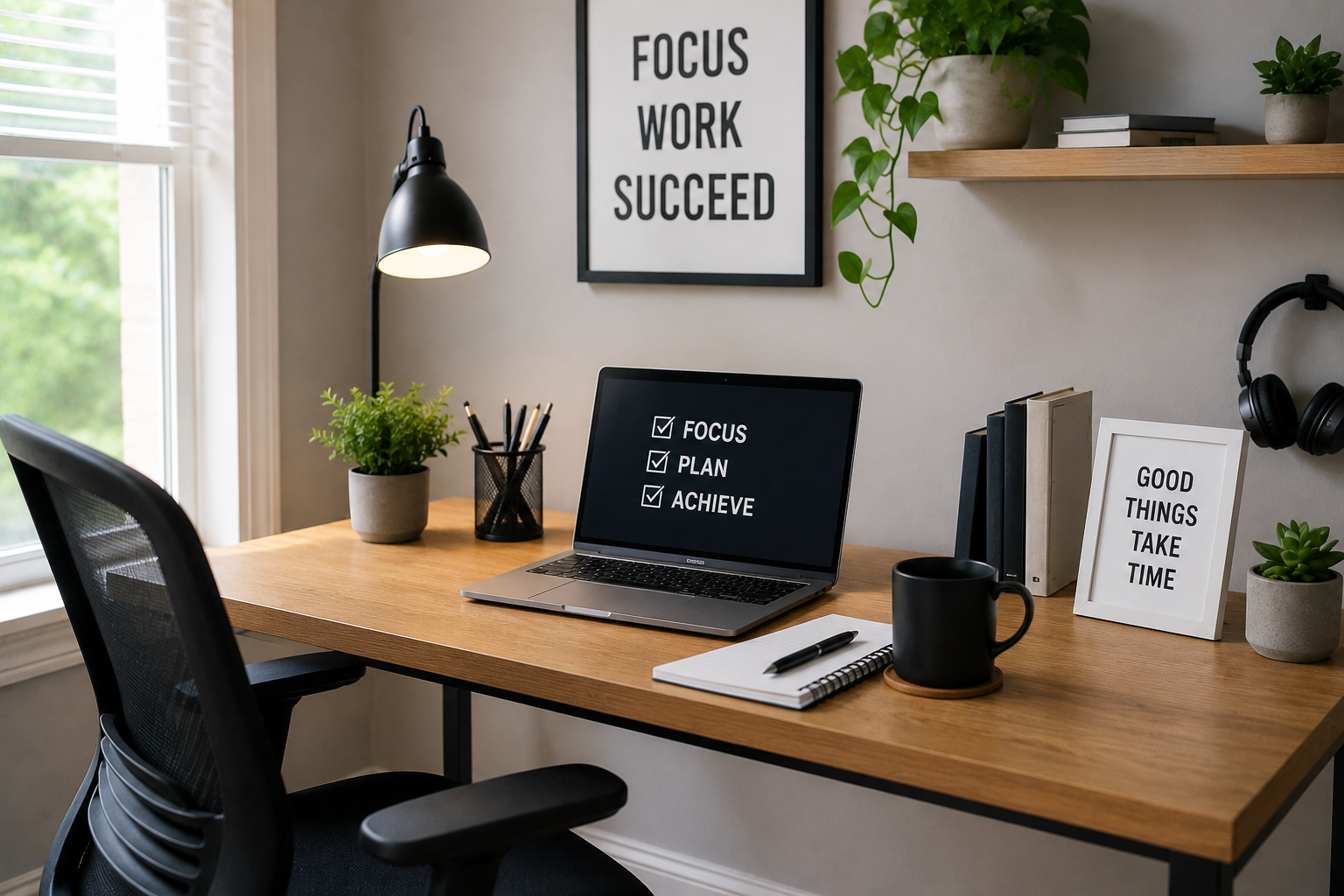
Millions of professionals now work from home as a way of life. This change brings with it a lot of flexibility. It eliminates long commutes and allows for a more personalised daily routine. Blending your home with your work life can make it hard to switch between productivity and relaxation. You may find yourself struggling with distractions, physical discomfort or even the inability to mentally clock out of work if you don’t have a designated area for your job. It is important to create a home office that you use exclusively for work. This will help you stay focused, protect your health and ensure that you can leave your desk when your day ends. An organised environment signals to your brain that it’s time to concentrate and helps you do your best work at home.
Choose Your Ideal Home Office Location
The first step in creating a great home office is to choose the best location. It is important to choose a location that provides physical separation from your busiest rooms, such as the kitchen or main living room. The best option is a spare bedroom that has a closed door. This will provide privacy and silence during important meetings. If you don’t have a separate bedroom, try a quiet alcove or hallway with low traffic or an unoccupied corner in your bedroom. If you can, try to place your desk near a window. It is important to create a zone where you can focus on getting work done. This will allow you to enter “work mode” as soon as your chair is placed.
Essential Furniture for Comfort and Productivity
The chair and the desk are two of the most important investments you can make for your home office. Sitting in a dining-style chair for eight hours will cause back pain, and you’ll lose concentration. To maintain your posture, you need an ergonomic seat that has adjustable height and armrests. It is important that your desk be big enough to accommodate all of the necessary peripherals, paperwork and computer without feeling crowded. It is important that the height of your desk allows you to comfortably rest your arms at a 90-degree angle while typing. Consider a standing desk that is height-adjustable. This allows you to alternate sitting and standing during the day. It will improve your circulation and keep your energy levels stable.
Your Home Office: Technology and Connectivity
If you are constantly experiencing dropped internet connections or lagging software, a beautiful office will be useless. You should prioritise a high-speed, reliable internet connection that can handle continuous video calls and large file transfers. Consider running an Ethernet cable to your computer if your Wi-Fi is weak at your office. You can also invest in a mesh router to improve the signal. Multitasking will be much easier with a high-quality monitor or dual-monitor setup. A responsive wireless keyboard and ergonomic mouse are essential. You can also invest in a pair of noise-cancelling, microphone-equipped headphones.
Lighting and Ambiance – Creating an Inspiring Space
It is important to have the right lighting in otic headaches and maintain focus when you are working for long periods of time. The best choice is natural sunlight, which boosts mood and regulates circadian rhythm. Place your desk parallel to the window to enjoy the bright light without the glare. If there is not enough natural light, use layered artificial lighting. A bright overhead lamp can light up the whole room. Desk lamps with colour temperature controls will focus task lighting on reading and writing. Warm, well-lit environments keep you alert and help prevent the tired, heavy feeling that comes with working in dim rooms.
Maintaining an organized workspace through organization and decluttering
A cluttered workspace can lead to a disorganised mind and higher levels of stress. To keep your workspace organised, you need to be proactive about storage and organization. Investing in simple desk organisers, floating shelves or filing cabinets will keep essentials within reach while keeping non-essentials hidden. Use clips, sleeves or an under-desk tray to conceal the mess of cables connecting your devices. It is a good habit to remove coffee cups, loose paper, and trash every day at the end of your workday. A clean and organised desk in the morning sets a positive tone for your day.
Make Your Space Your Own: Personalization and Motivation
It should be somewhere you enjoy spending time. Your personality can improve your mood and make work less of a chore. Hang art that inspires, frame pictures of your pets or family, and add some low-maintenance plants indoors to bring a little colour and life. You can warm up the room with a small rug in the corner or an armchair. Avoid cluttering your desk or table with trinkets. Such items can quickly become a distraction. You only need a few meaningful pieces to make your space feel uniquely you.
Set Boundaries to Separate Work and Home Life
When you work from home, there is a constant urge to check your emails at midnight or do housework during working hours. It is important to set boundaries for your productivity as well as your mental health. Your family and roommates should be aware of your working hours. Ask them to respect your office as a professional space during these times. It is equally important to be able to disconnect at the end of each day. Close your computer and turn off the lights in your office. Then physically leave. By creating a transition ritual like changing clothes or going for a walk around the corner, you can signal your brain to relax and recharge.
Tools and Habits to Improve Your Workflow
Your productivity at home is driven by the right software and your daily routines. Use digital calendars and project management tools to track your daily tasks, deadlines and meetings. You will feel less overwhelmed if you structure your day into clear blocks of time for specific activities. Include regular breaks in your schedule for stretching, resting your eyes and drinking water. By sticking to a morning routine that you follow every day, you can prepare yourself mentally for the tasks ahead. Smart digital tools combined with healthy habits will help you use your time at your desk more effectively.
What are your next steps to a better workday?
It is a continuous process of refinement and adjustment to create an effective home workspace. You can create a successful working environment by choosing the best location, investing in ergonomic furniture and setting clear boundaries. Look at your current setup and determine one or two areas where you can make immediate improvements. Small changes, such as upgrading your chair or hiding cables, can have a huge impact on your ability to focus. Make your workspace work for your needs, and you will see your productivity increase.
FAQs
1. What is the most essential piece of furniture for a home office or workstation?
The chair you choose for your office is the single most important investment. A chair that promotes good posture and supports your lower spine will help you avoid physical pain, allowing you to concentrate on your work rather than being distracted by your discomfort.
2. What can I do to improve my lighting if there are no windows in the house?
You can use a combination of overhead lights and high-quality desk lamps to provide natural light in a workspace that lacks it. To keep your energy up and to reduce strain on your eyes, choose LED bulbs with colour temperatures that are similar to daylight.
3. How can I prevent my home office from becoming too messy?
To maintain a tidy office, spend five minutes clearing your desk at the end each day. To keep everything in its place, use drawer organisers and digital files rather than paper.
4. Do I need a standing workstation?
Standing desks are not mandatory but highly recommended to improve productivity and health over the long term. By alternating between standing and sitting, you can avoid the stiffness and fatigue that come with staying in one position for 8 hours.
5. How can I stop working if my office is in my home?
To end your workday, you need to create a mental and physical separation. Close the door, shut down the lights in the office, and turn off your laptop to signal that you are officially pausing professional duties until tomorrow.

Abdul Rahman is a digital lifestyle writer and researcher who focuses on productivity, smart technology, personal finance, and practical home improvement tips. Through ZapKido, he shares simple, beginner-friendly guides designed to help readers build smarter habits, improve daily efficiency, and live a more organized digital life.