
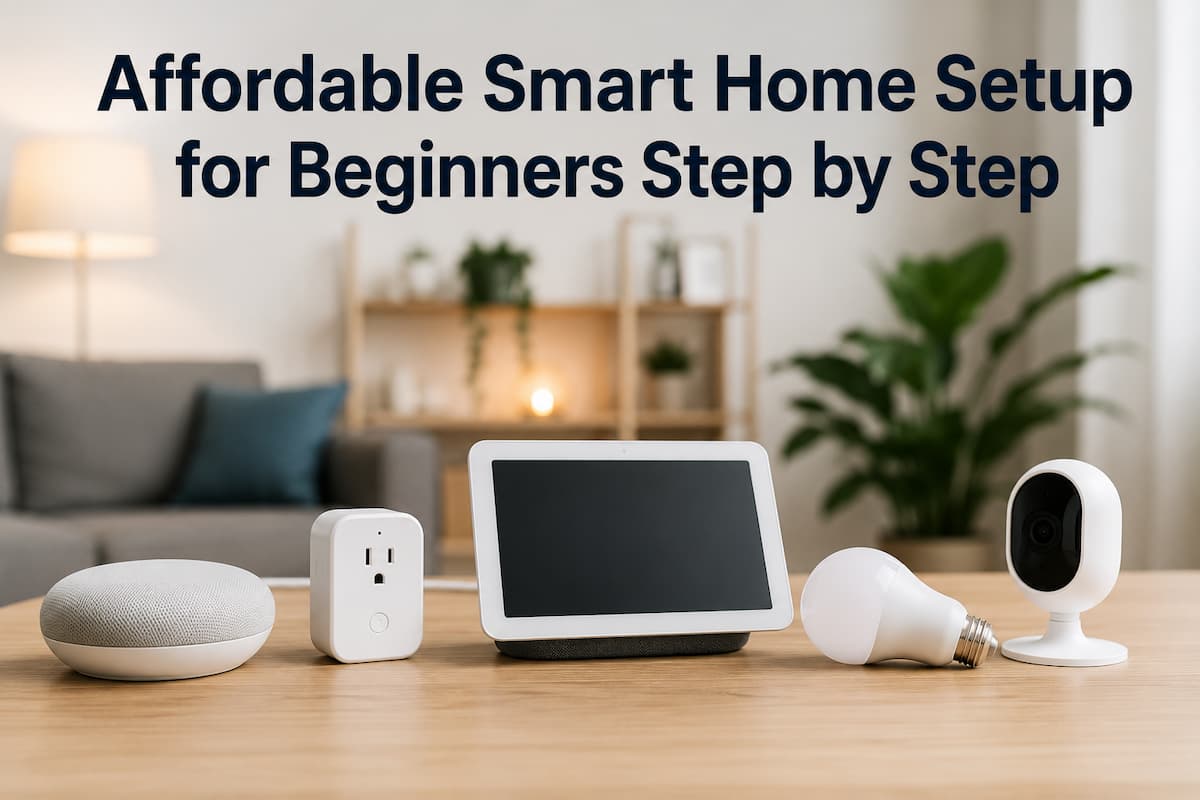
Building a smart home is no longer something only tech enthusiasts or wealthy homeowners can enjoy. Today, even with a limited budget, anyone can slowly transform their living space into a smart, automated, and convenient environment. The best part is that you don’t need to upgrade everything at once. You can begin with a few key devices and gradually expand your setup based on your needs and budget.
This guide will walk you through an affordable smart home setup for beginners, covering what to buy first, how to set it up, and how to avoid unnecessary devices. Whether you live in a small apartment or a family house, this guide will help you build a smart home system that actually makes life easier.
Understanding What a Smart Home Really Is
Before buying anything, it’s important to understand what a smart home actually means. A smart home is simply a system where everyday devices like lights, fans, plugs, cameras, and appliances can be controlled automatically or remotely using your phone, voice commands, or automation rules. A smart home is not about filling your house with gadgets. Instead, it focuses on solving real problems such as the following:
- Forgetting to turn off lights or appliances
- Increasing home security
- Saving electricity bills
- Making daily routines easier
- Controlling devices when you are not at home
The goal is convenience, efficiency, and comfort—not complexity.
Step 1: Start with a Smart Assistant (Your Control Center)
The foundation of any smart home setup is a smart assistant. This acts like the “brain” of your system, allowing you to control devices using voice commands or a mobile app.
Why You Need a Smart Assistant
- Controls all devices from one place
- Enables voice commands
- Helps automate daily tasks
- Connects multiple smart gadgets together
Common Functions
- Turn lights on/off
- Play music
- Set reminders
- Control smart plugs and appliances
Beginner Tip: If you’re just starting, choose a simple assistant and stick with it. Mixing multiple ecosystems can create compatibility issues later. Think of this step as choosing the control system before building the rest of your smart home.
Step 2: Upgrade Lighting with Smart Bulbs
Smart lighting is one of the easiest and most affordable ways to start your smart home journey. It’s simple, practical, and instantly improves your daily comfort.
Benefits of Smart Bulbs
- Control lights from your phone
- Adjust brightness and color
- Set timers and schedules
- Save electricity by automation
How to Use Them Effectively
- Schedule lights to turn off at bedtime
- Set warm lighting in the evening for relaxation
- Use bright white light for study or work areas
- Control lights remotely when traveling
Why It’s a Great First Step: Smart bulbs don’t require major installation. You just replace your normal bulb, connect it to Wi-Fi, and you’re done. It’s one of the most beginner-friendly upgrades you can make.
Step 3: Use Smart Plugs for Instant Automation
Smart plugs are one of the most underrated smart home devices. They turn any regular appliance into a smart device without replacing it.
What Smart Plugs Can Do
- Turn appliances on/off remotely
- Schedule devices like fans or heaters
- Monitor energy usage (in some models)
- Prevent unnecessary electricity waste
Common Devices You Can Control
- Table lamps
- Electric kettles
- Fans
- Coffee makers
- Chargers
Step 4: Add Smart Security for Peace of Mind
Home security is one of the most important reasons people switch to smart homes. You can get started without expensive systems.
Beginner-Friendly Security Devices
- Smart door cameras
- Motion sensors
- Smart door locks (optional upgrade)
Benefits of Smart Security
- Monitor your home from anywhere
- Receive instant alerts on your phone
- Record suspicious activity
- Control access to your home remotely
Step 5: Automate Your Daily Routine
Once you have basic devices, the next step is automation. This is where your smart home truly becomes “smart.”
What is automation?
Automation means setting rules so your devices work automatically based on time, activity, or conditions.
Simple Automation Ideas for Beginners
- Lights turn off automatically at midnight
- Fan turns on when temperature rises
- Morning routine starts at a fixed time
- Appliances shut off when not in use
Why Automation Matters: Automation saves time, reduces effort, and improves energy efficiency. You don’t have to remember small tasks anymore—your home handles them for you.
Step 6: Control Everything from Your Smartphone
Your smartphone becomes the central control panel of your smart home.
What You Can Do with the App
- Turn devices on/off
- Check device status
- Create automation rules
- Group devices by room
- Monitor energy usage
Pro Tip for Beginners
Organize your devices into rooms, like
- Bedroom
- Living room
- Kitchen
This makes control much easier and more intuitive. A well-organized app setup prevents confusion and improves your experience.
Step 7: Expand Slowly Instead of Buying Everything at Once
One of the biggest mistakes beginners make is buying too many smart devices too quickly. A smart home should grow gradually.
Recommended Expansion Order
- Smart assistant
- Smart bulbs
- Smart plugs
- Security devices
- Sensors and advanced automation
Why Slow Expansion Works Better
- You understand each device properly
- You avoid compatibility issues
- You stay within budget
- You only buy what you actually need
Think of it like building a system step by step, not a one-time purchase.
Step 8: Add Smart Sensors for Advanced Control
Once you’re comfortable with basic devices, you can upgrade to sensors for more automation and intelligence.
Types of Smart Sensors
- Motion sensors
- Temperature sensors
- Door/window sensors
- Light sensors
What They Help With
- Automatically turn lights on when someone enters a room
- Adjust fan speed based on temperature
- Send alerts when doors are opened
- Save energy by detecting inactivity
Step 9: Focus on Energy Efficiency to Save Money
A smart home is not just about convenience—it should also help you reduce electricity costs.
Energy-Saving Strategies
- Use smart plugs to turn off idle devices
- Schedule lights to turn off automatically
- Monitor energy usage through apps
- Use sensors to prevent unnecessary usage
Why This Step Matters: Even small savings add up over time. A well-optimized smart home can significantly reduce monthly electricity bills.
Step 10: Keep Your Smart Home Secure and Updated
As your smart home grows, security becomes more important. Since devices connect to the internet, you must protect them properly.
Basic Security Tips
- Use strong Wi-Fi passwords
- Update device firmware regularly
- Avoid sharing access with unknown users
- Use trusted apps only
Common Mistakes Beginners Should Avoid
Many beginners struggle because they make avoidable mistakes.
Mistakes to Avoid
- Buying incompatible devices
- Ignoring Wi-Fi quality
- Overcomplicating setup
- Skipping automation setup
- Buying unnecessary gadgets
Conclusion
Now more than ever before, even a novice can easily and affordably set up a smart home. You can get going without a large starting capital or specialized knowledge. A system that enhances comfort, saves energy, and simplifies daily life can be built by concentrating on fundamental items like smart assistants, lighting, plugs, and basic security measures.
Instead of spending money on frivolous electronics, it’s better to start small, build up slowly, and concentrate on necessities. As time goes on, your home starts to learn your habits and improves in ways that suit you best. In a smart home, the goal is not to have an overwhelming amount of technology but a basic set to make daily life simpler, safer, and more pleasant.
FAQs
1. What is the cheapest way to start a smart home?
The cheapest way is to start with a smart assistant and a few smart bulbs or smart plugs. These provide you basic automation without high cost.
2. Do I need Wi-Fi for a smart home setup?
Yes, most smart home devices require Wi-Fi to connect and function properly. A stable internet connection is important.
3. Can I build a smart home in a rental apartment?
Absolutely. Smart plugs, bulbs, and portable devices are perfect for rental spaces because they don’t require permanent installation.
4. Is a smart home difficult to manage for beginners?
No, modern smart home apps are designed for beginners. With basic setup, you can easily control everything from your phone.
5. How much does a basic smart home setup cost?
A basic setup can be started with a small budget depending on your location, usually covering essential devices like bulbs, plugs, and a camera.

ZapKido Editorial Team creates practical guides covering digital life, productivity, everyday technology, smart home solutions, and home organization. Our content focuses on clear explanations, useful settings, practical habits, and straightforward solutions that readers can apply in everyday situations. We aim to make technology and everyday tasks easier to understand without unnecessary complexity.