
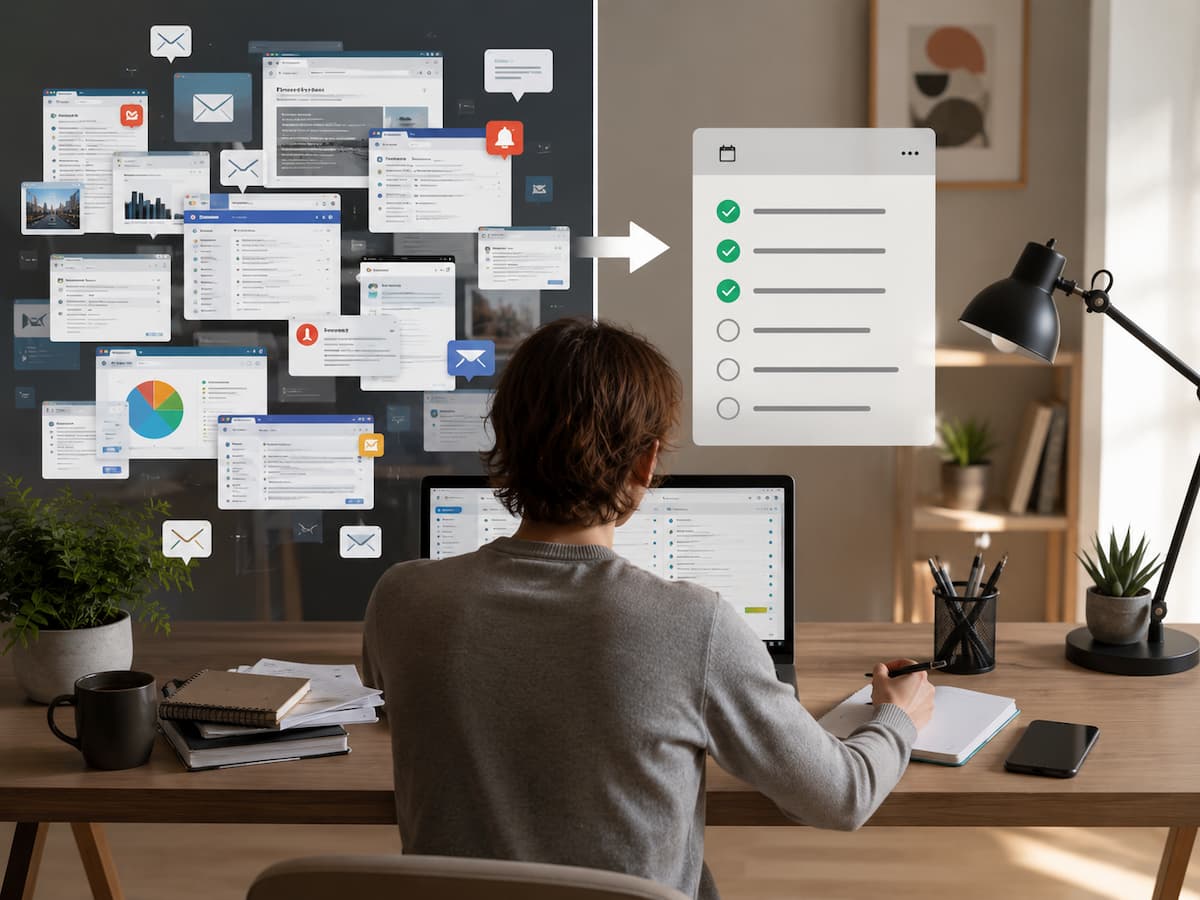
This guide covers how to handle daily information overload. You will learn how to identify urgent information, manage notifications, organize digital resources, handle emails and text messages, protect your focus time, and develop daily habits for effective information management.
The Truth About Information Overload
Information overload doesn’t necessarily mean having hundreds of unread emails or thousands of saved articles. Sometimes, it’s actually quite simple. For instance, you might repeatedly check the same apps, open multiple tabs without closing them, read headlines but forget the content, or constantly switch between different types of information while performing a simple task. Constant distraction becomes the norm.
The constant urge to check things is also a warning sign. Information from five minutes ago might seem more important than the document you are currently working on. A new headline—even one requiring no immediate response—can interrupt important work. These small distractions pile up, making simple digital tasks unnecessarily difficult.
Do not assess your information problem based on the sheer volume of information; instead, focus on how much that information interrupts your work. Our goal is not to eliminate information. Information aids us in research, communication, learning, decision-making, and problem-solving. Set boundaries regarding when and how you receive information.
Identify the Sources of Information Noise
Before changing your behavior, observe how information enters your life throughout the day. Many people have more sources of information than they realize. Email is likely one of them. Instant messaging apps, workplace platforms, social networks, news services, calendars, shopping apps, cloud services, newsletters, browser notifications, and smart devices can all vie for your attention.
Instead of analyzing every single piece of information, make a list of the most important sources. Then, consider the role each source plays. Some sources provide essential information, while others require regular attention but not constant monitoring.
| Information Source | Typical Purpose | Possible Problem | Better Approach |
|---|---|---|---|
| Detailed communication | Constant checking | Review at planned times | |
| Messaging apps | Fast conversations | Every message feels urgent. | Mute non-essential chats. |
| News apps | Current information | Repeated updates | Use one or two trusted sources. |
| Social media | Entertainment and social connection | Endless recommendations | Check during defined periods. |
| Work platforms | Projects and collaboration | Too many channels | Define which channel handles what. |
This simple inventory often reveals an important problem: several services may be delivering essentially the same information. If five different apps provide updates about the same subject, reducing the number of sources can be more effective than becoming faster at reading them.
Separate Important Information From Urgent Information
One of the easiest ways to reduce overload is to stop treating importance and urgency as the same thing. An urgent item needs attention quickly. An important item has meaningful consequences if it is ignored. Sometimes something is both. Occasionally it is neither.
Consider a work email marked “urgent.” It may genuinely require a response today, but that does not automatically mean you need to answer it within two minutes. On the other hand, a quiet reminder about an upcoming deadline may not feel urgent yet, even though missing it could cause a serious problem.
| Type | Example | What to Do |
|---|---|---|
| Important and urgent | Time-sensitive work decision | Handle promptly |
| Important but not urgent | Planning an upcoming project | Schedule dedicated time. |
| Urgent but low importance | Minor notification requesting attention | Delay, delegate, or batch |
| Neither | Unnecessary promotional update | Ignore, delete, or unsubscribe. |
This distinction is particularly useful when your inbox or messaging list becomes crowded. Instead of asking, “What should I check first?” ask, “What happens if I do not deal with this today?” That question creates a clearer basis for deciding what deserves your attention.
Take Control of Notifications
Notifications are convenient because they tell you when something has changed. The problem begins when every application gets permission to interrupt you. A notification from a close family member may deserve immediate attention. A game update, shopping promotion, social media recommendation, or newsletter usually does not.
Start by reviewing notification settings on your phone and computer. Keep alerts that provide genuine value and remove those that simply encourage you to reopen an application. You do not have to disable everything. The useful goal is to make notifications meaningful again.
A practical notification audit
- Open your device’s notification settings.
- Look at the applications that send the most alerts.
- Ask whether each alert requires immediate action.
- Turn off promotional and recommendation notifications.
- Keep alerts for genuinely time-sensitive communication.
- Review the settings again after a week.
Best practice: If an application can wait until you deliberately open it, it usually does not need permission to interrupt you.
Research on digital interruptions has found that blocking unwanted online distractions can improve perceived focus for some people. However, the solution is not simply to block everything permanently. People differ in their habits, and overly aggressive blocking can create its own problems. Use technology to support attention rather than creating another system you constantly have to manage.
Build a Better System for Email and Messages
Email becomes exhausting when it is treated as a task that must be monitored continuously. A more manageable approach is to separate receiving messages from processing them. You can still receive everything without reacting to it all immediately.
For example, instead of checking email whenever a notification appears, choose several natural review periods during the day. During each review, quickly identify which messages require action, which information can simply be read, and which items are not worth keeping.
A simple four-way decision
- Act: Handle it if the response is quick and genuinely necessary.
- Schedule: Put larger tasks on your task list or calendar.
- Save: Keep information that you will genuinely need later.
- Remove: Delete, archive, mute, or unsubscribe when appropriate.
The same principle works for messaging apps. Not every conversation needs the same response speed. If several group chats repeatedly produce low-value notifications, muting them can reduce interruptions without removing you from the conversation entirely. Studies of workplace email have found that heavier email use can be associated with greater difficulty focusing and higher perceived stress. One useful lesson is that deliberately choosing when to check messages can be better than allowing incoming notifications to decide for you.
Reduce the Number of Information Sources
Information overload often grows when people keep adding sources without removing the old ones. You subscribe to a newsletter because one edition was useful, follow another account for occasional updates, install an app for a specific event, and eventually end up with dozens of sources competing for attention. A smaller collection of reliable sources is usually easier to manage than a large collection of mediocre ones. This does not mean relying on a single website for everything. It means choosing sources intentionally based on the information you actually need.
For news, for example, you might choose one general news source and one specialist source related to your work or interests. For learning, you might keep a small number of trusted websites, books, courses, or reference materials rather than saving every interesting resource you encounter. Saving information is not the same as processing it. A large collection of bookmarks, screenshots, notes, and saved posts can become another form of clutter. Once a month, remove sources that no longer provide enough value. Unsubscribe from newsletters you rarely open. Unfollow accounts that repeatedly distract you. Delete old alerts and review feeds that have become repetitive. Reducing incoming information makes every later organizational step easier.
Protect Time for Focused Work
Even a well-organized information system can fail if incoming information interrupts every important task. Focus requires periods in which your attention is not repeatedly redirected.
Choose a realistic period for uninterrupted work. It could be 30 minutes, one hour, or longer depending on the task. During that period, close unnecessary tabs, silence non-essential notifications, and keep communication tools out of immediate view. The important part is not the exact length of the focus period. The important part is creating a clear boundary between consuming information and doing something with it.
Try an information-free work window.
Before starting, decide exactly what you want to accomplish. Then temporarily close email, messaging, social feeds, and unrelated browser tabs. Keep only the resources required for the task. When the period ends, review incoming information at a planned time rather than immediately switching back and forth.
This approach is especially helpful for writing, studying, planning, programming, reading long documents, or making decisions. These activities require more sustained attention than quickly answering a message.
Create a Simple Place for Important Information
When you scatter important information across email, screenshots, browser bookmarks, notebooks, cloud drives, and messaging conversations, you make it difficult to find later. You do not necessarily need an advanced productivity system. You need a predictable place to store information that you expect to use again. Choose one main location for durable information. This could be a notes application, a well-organized folder system, or another tool you already understand. The technology matters less than consistency.
Use broad categories rather than creating dozens of folders. For example, a simple system might include Work, Personal Projects, Reference, and Archive. Within those categories, use clear names that make sense when you see them months later. Avoid creating a new storage location every time you encounter something useful. If you have to remember where you stored the information before you can use it, the system is working against you. Organize information according to how you expect to use it, not according to the application where you found it.
Use a Daily Information Routine
Good information management works best as a routine rather than a major cleanup project. A few small habits can prevent digital clutter from rebuilding itself.
1. Start the day by choosing priorities
Before opening every communication channel, identify the tasks that matter most. This prevents your inbox from becoming an accidental to-do list. If you begin the day by responding to whatever arrives first, other people’s priorities can easily take over your schedule.
2. Process information in batches
Group similar activities when possible. Read newsletters together, answer routine messages during a designated period, and review saved information when you actually have time to use it. Batching reduces the number of times you switch between different types of attention.
3. Finish the day with a short reset
Spend a few minutes identifying unfinished tasks, saving important information in the correct place, and clearing obvious digital clutter. The goal is not to reach a perfect inbox or empty desktop. The goal is to leave yourself with a clear understanding of what needs attention next.
Avoid Common Information-Management Mistakes
Many systems fail because they are too complicated. Someone notices that digital clutter is a problem and responds by creating multiple categories, elaborate tags, detailed automation rules, and several productivity applications. The system may look impressive, but maintaining it becomes another source of work. Another common mistake is trying to read everything. You do not need to consume every article, watch every video, or respond to every non-essential message simply because it reached you. Effective information management includes deciding what not to process.
| Mistake | Why It Causes Problems | Better Alternative |
|---|---|---|
| Checking messages constantly | Creates repeated interruptions | Use planned review periods. |
| Subscribing to everything useful | Creates too many competing sources | Choose a small trusted set. |
| Saving everything | Makes useful information hard to find | Save only reusable information. |
| Using too many productivity tools | Creates maintenance work | Keep one simple primary system. |
| Treating every alert as urgent | Weakens attention control | Reserve alerts for meaningful events |
A useful rule is to make your system easier to maintain than to ignore. If organizing information takes more effort than finding it, simplify the system.
Make the System Sustainable
Managing information overload is not a one-time fix. New apps, subscriptions, projects, conversations, and responsibilities will constantly arise. The key is to adapt proactively before your information environment becomes overwhelming again. Schedule a brief review period every few weeks. Examine the services and information sources that consume the most energy and ask yourself if they are still useful. Check notifications, unsubscribe from unnecessary emails, declutter saved resources, and remove tools you no longer use.
Additionally, it is crucial to analyze your communication habits. If multiple people or teams use different platforms for the same type of conversation, consider consolidating some of your communication channels. Research into workplace communication shows that the number and type of communication channels contribute to information overload; therefore, reducing unnecessary switching between channels can simplify information management. Most importantly, do not strive for perfect control. The goal of an information management system is to help you identify—and act upon—the information that truly matters. Some days will inevitably be chaotic, and some inboxes will overflow. The priority is finding a reliable way to regain control without spending hours completely rebuilding your digital life.
Conclusion
Tackling information overload does not mean ignoring technology or striving for an empty inbox. The real goal is to clearly distinguish between information that demands your attention and information that you can handle later. Start by identifying how information enters your daily life. Then, reduce unnecessary notifications, limit recurring information sources, separate urgent tasks from important ones, and designate specific times to process information. Establish fixed locations for useful information and ensure you have the space to think or work with focused concentration, free from interruptions.
The most effective systems are often those that require minimal effort. You do not need a perfect digital management system; you simply need enough control to spot important information rather than having your attention constantly diverted by every new reminder, message, or headline. Start today with a single change, such as turning off unnecessary notifications or cancelling a few subscriptions that offer little value. Once the change becomes a habit, you can implement smaller improvements. Over time, these simple boundaries will help you manage your digital environment much more easily.
FAQs
1. How can I quickly reduce information overload?
Start with notifications, as they can be disruptive throughout the day. Turn off reminders that do not require immediate attention, and then choose specific times to check emails and messages. Next, cut back on unnecessary sources of information, such as newsletters, social media, and recurring news updates. These changes can reduce information noise without requiring you to delete important accounts or stop using digital tools altogether.
2. Should I aim for zero unread emails?
Not necessarily. While an empty inbox can be beneficial for some, it is not the same as being well-organized. A better goal is to understand which emails need processing, which contain valuable information, and which can be ignored or deleted. Spending too much time processing low-value emails just to reach zero unread messages can do more harm than benefit.
3. How many information sources should I use?
There is no standard rule. The right number depends on your work, interests, and responsibilities. The key factor is whether the information from each source is genuinely useful. If multiple sources repeatedly provide the same updates, reducing the number of sources can help make your information environment less cluttered. A small number of reliable information sources is generally more useful than a large number of sources you rarely have time to consult.
4. Is it a good idea to turn off all notifications?
In some cases, turning off all notifications might be an option, but for most people, it is unnecessary. A better approach is to be selective. Keep only messages or notifications for events that truly require immediate attention, and disable promotions, recommendations, and unnecessary reminders. You can also use scheduled summaries or Focus mode (if your device supports these features) to receive useful information without interrupting your current task.

ZapKido Editorial Team creates practical guides covering digital life, productivity, everyday technology, smart home solutions, and home organization. Our content focuses on clear explanations, useful settings, practical habits, and straightforward solutions that readers can apply in everyday situations. We aim to make technology and everyday tasks easier to understand without unnecessary complexity.