
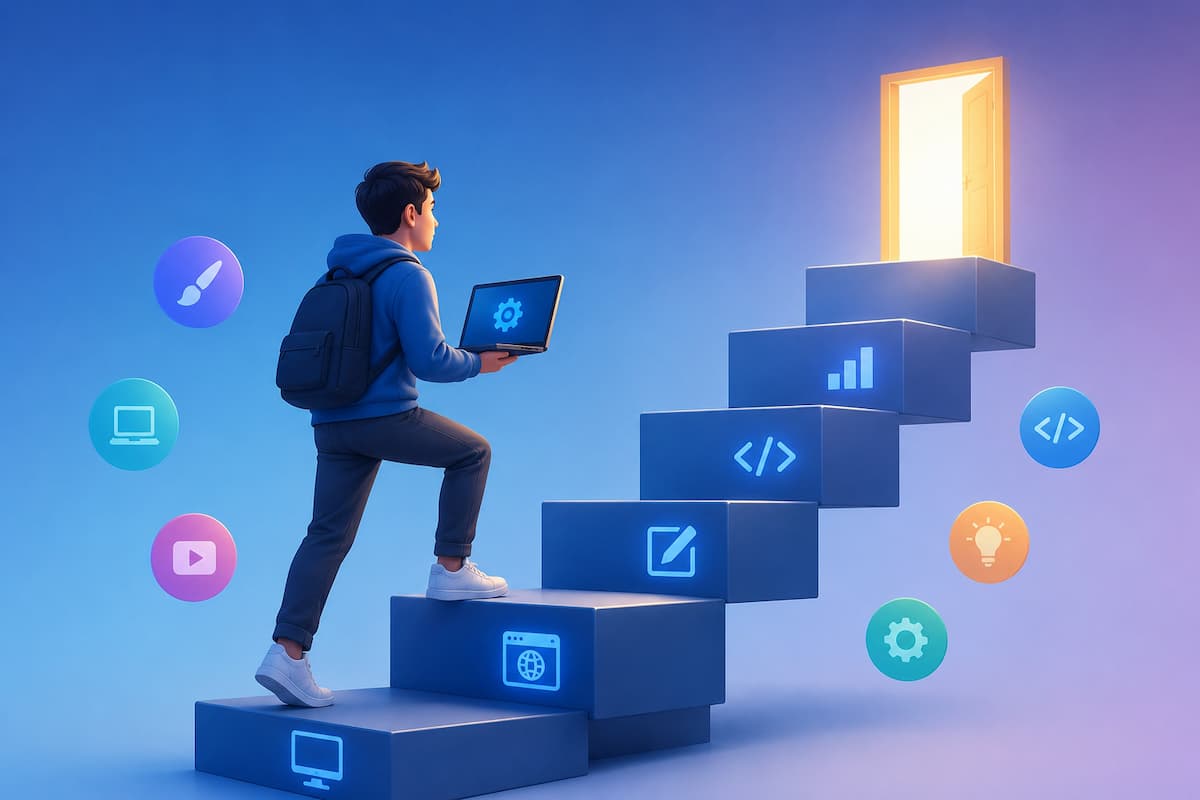
Newcomers may be overwhelmed by the number of tutorials, online courses, videos, and platforms. Not knowing what to do first or which skills matter most is difficult. Some become frustrated and give up when trying to learn everything at once. Some delay practicing until they have resources.
To clarify, we’ve posted this tutorial. We’ll show you how to build enduring digital skills methodically and practically. In this course, you will discover how to choose the right skills, make achievable study goals, find dependable resources, practice efficiently, avoid traps, and stay motivated. Following these steps can boost your confidence and practical skills.
Why Digital Competence Matters Today
Today, everyone needs the capacity to work digitally, not just IT professionals. We use digital devices at jobs, school, and home. You need basic computer abilities to send emails, organize files, attend online meetings, edit papers, access cloud storage, and protect personal data. These skills are useful in photography, video editing, blogging, and online learning.
Increasing digital literacy promotes self-confidence. You learn to handle technology without help. People who feel confident about themselves are more likely to study and improve. The ability to adjust is another benefit. Make learning a habit so you can stay current with technology. If you learn well, learning new software or digital platforms is much easier instead of starting over.
Choosing the Right Digital Skill to Learn First
One of the biggest mistakes beginners make is trying to learn too many skills at the same time. You might start watching videos about graphic design, programming, spreadsheet formulas, video editing, and cybersecurity all within the same week. While curiosity is valuable, dividing your attention too much often slows your progress.
Instead, begin with one skill that solves a real problem in your daily life. If you regularly organize documents, learning cloud storage may be useful. If you communicate with coworkers, learning video conferencing and online collaboration tools might be more valuable. Someone interested in creating content could begin with basic photo editing or document formatting before moving to advanced software.
Questions to Help You Decide
- Which digital task do you struggle with most often?
- Which skill would save you time every week?
- Which skill supports your current work or education?
- Which topic genuinely interests you?
Choosing a meaningful goal increases motivation because you can immediately apply what you learn in real situations.
Setting Realistic Learning Goals
Many people quit learning because they expect rapid progress. They imagine becoming highly skilled after watching a few online tutorials, only to feel disappointed when tasks remain difficult. Digital skills, like any other skill, improve gradually through regular practice.
Instead of aiming to “master spreadsheets” or “become a web designer,” set smaller goals that you can complete within days or weeks. Small achievements build momentum and make learning feel rewarding.
Examples of Better Learning Goals
- Create and organize folders correctly.
- Write and format a professional document.
- Learn ten useful spreadsheet formulas.
- Edit one photo using basic tools.
- Join and host an online meeting.
- Back up important files to cloud storage.
Breaking large goals into smaller milestones also makes it easier to measure progress. Instead of feeling stuck, you’ll regularly notice improvements that encourage you to continue learning. Progress is measured by consistent improvement, not by how quickly you finish.
Finding Reliable Learning Resources
The internet offers countless tutorials, but not every source provides accurate or beginner-friendly information. Some videos skip important steps, while others assume previous knowledge that new learners simply do not have. Choosing reliable resources saves time and reduces frustration.
Start with educational websites, official software documentation, recognized learning platforms, and reputable educational organizations. Official guides are especially useful because they explain features exactly as they work instead of relying on outdated information.
Characteristics of Good Learning Resources
- Clear explanations without unnecessary technical language.
- Updated information that matches current software versions.
- Practical examples instead of only theory.
- Step-by-step instructions.
- Exercises that allow hands-on practice.
Creating a Weekly Learning Plan
Consistency matters much more than long study sessions. Spending fifteen to thirty focused minutes several times each week is often more effective than trying to study for many hours once a month. A realistic schedule also reduces burnout and makes learning easier to maintain over time. Choose specific days and times that fit naturally into your routine. For example, you might practice every Monday, Wednesday, and Saturday evening after dinner. Treat these sessions like appointments rather than optional activities.
Example Weekly Study Schedule
| Day | Activity | Time |
|---|---|---|
| Monday | Learn one new concept | 30 minutes |
| Wednesday | Practice previous lessons | 30 minutes |
| Friday | Complete one small project | 45 minutes |
| Sunday | Review notes and solve problems | 20 minutes |
Keep your study environment free from distractions. Close unnecessary browser tabs, silence phone notifications if possible, and focus on completing one task before moving to another. Even short learning sessions become much more productive when you keep your attention focused. End every study session by writing down one thing you learned and one question you still have. This creates a clear starting point for your next learning session and reinforces what you practiced.
Learning by Doing Instead of Only Watching
Watching tutorials can help you understand new ideas, but real learning happens when you use the skills yourself. Many beginners spend hours watching videos without opening the software or completing a task. This creates the feeling of learning without building practical experience. To develop useful digital skills, make practice a regular part of every study session. After learning a new concept, pause the lesson and repeat the steps on your device. If the tutorial explains how to organize files, create folders yourself. If it covers spreadsheets, build a simple budget instead of only watching someone else do it. Small projects help you remember the process much better than passive learning.
Simple Practice Ideas
- Create a weekly budget in a spreadsheet.
- Organize your computer folders.
- Design a simple presentation.
- Edit a photo using basic tools.
- Create a secure password manager.
- Back up important documents to cloud storage.
Tracking Your Progress
Learning feels more rewarding when you can see how much you’ve improved. Without tracking progress, it is easy to believe you are not making any, even when your skills are steadily growing. Keeping simple notes helps you stay motivated and identify areas that need more practice.
A learning journal can be as simple as a notebook or digital document. Record what you studied, what went well, and which topics were difficult. Every few weeks, review older notes to see how much easier those tasks have become.
Simple Progress Checklist
| Skill | Started | Practiced | Confident |
|---|---|---|---|
| File management | ✓ | ✓ | ✓ |
| Cloud storage | ✓ | ✓ | |
| Spreadsheet basics | ✓ | ||
| Document formatting |
Celebrate small milestones along the way. Completing your first spreadsheet, creating a presentation, or successfully backing up important files are all signs that your skills are improving.
Common Mistakes Beginners Make
Almost everyone makes mistakes while learning something new. The important thing is recognizing these habits early so they do not slow your progress.
Mistakes to Avoid
- Trying to learn several complex skills at once.
- Watching tutorials without practicing.
- Skipping beginner lessons.
- Comparing your progress to experienced learners.
- Giving up after making mistakes.
- Changing learning resources too often.
- Ignoring basic computer organization.
Remember that mistakes are a normal part of learning. Every error teaches you something about how a tool works. Instead of becoming frustrated, treat problems as opportunities to improve your understanding.
Building Long-Term Learning Habits
The most successful learners are not necessarily the smartest people. They simply develop routines that keep them practicing over time. Technology changes constantly, so continuous learning becomes more valuable than memorizing specific software features.
Try connecting learning with your daily routine. You might spend twenty minutes every morning exploring a new feature or dedicate one evening each week to completing a small project. Over months, these small sessions add up to hundreds of hours of meaningful practice.
Best Practices for Lifelong Learning
- Practice regularly instead of occasionally.
- Review older lessons every few weeks.
- Use your skills in everyday situations.
- Stay curious about new technology.
- Ask questions when something is unclear.
- Keep your software updated.
- Protect your personal information online.
Learning never truly ends. New tools will appear, software will change, and workplaces will continue adopting new technology. By maintaining strong learning habits, adapting becomes much easier throughout your personal and professional life.
FAQs
1. How can I remember what I learn?
Practice immediately after learning something new. Create small projects, repeat important tasks, and review previous lessons regularly. Active practice improves long-term memory far more than watching tutorials alone.
2. What if I make mistakes?
Mistakes are part of the learning process. Instead of avoiding them, use each mistake to understand why something happened and how to fix it. This approach builds confidence and problem-solving skills.
3. How long does it take to become confident?
The timeline depends on the skill and the amount of practice. Many beginners notice significant improvement after several weeks of regular study, while more advanced skills may take several months of consistent practice.
4. Should I learn several digital skills together?
It is usually better to focus on one main skill until you become comfortable with the basics. Learning too many unrelated topics at the same time often causes confusion and slows overall progress.
Conclusion
Learning digital skills is one of the most valuable investments you can make in yourself. Whether your goal is improving everyday productivity, preparing for future career opportunities, or simply feeling more comfortable using technology, steady progress is more important than learning quickly.
Start with one useful skill, choose reliable learning resources, practice regularly, and apply your knowledge through small projects. Keep track of your progress, learn from mistakes, and gradually challenge yourself with more advanced topics when you are ready.
Technology will continue changing, but your ability to learn will remain valuable for years to come. By following a step-by-step approach and maintaining consistent learning habits, you can continue building confidence while developing practical digital skills that support both your personal and professional life.
References
- National Institute of Standards and Technology (NIST) – https://www.nist.gov/
- Microsoft Learn – https://learn.microsoft.com/
- Google Digital Garage – https://learndigital.withgoogle.com/
- Mozilla Developer Network (MDN) – https://developer.mozilla.org/
- Cisco Networking Academy – https://www.netacad.com/
- UNESCO Digital Skills Resources – https://www.unesco.org/

ZapKido Editorial Team creates practical guides covering digital life, productivity, everyday technology, smart home solutions, and home organization. Our content focuses on clear explanations, useful settings, practical habits, and straightforward solutions that readers can apply in everyday situations. We aim to make technology and everyday tasks easier to understand without unnecessary complexity.